




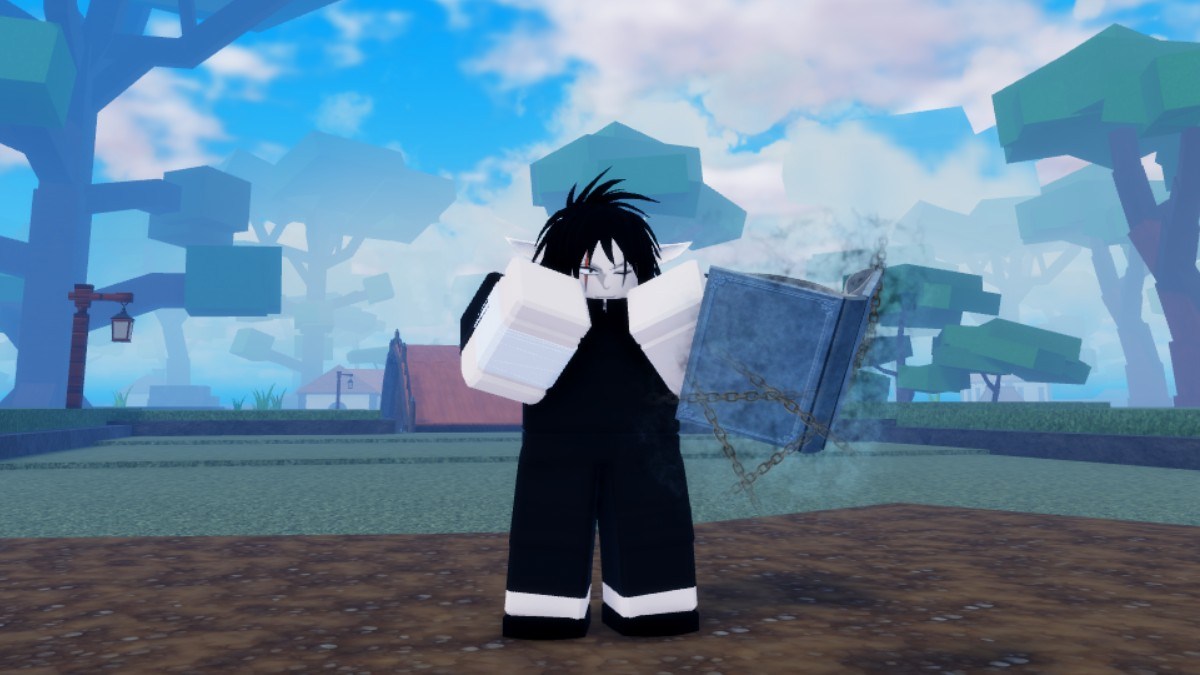
Re:AOPG is a massive One Piece-inspired Roblox RPG with plenty of content to keep track of, from Devil Fruits and fighting styles to bosses, raids, islands, and different progression systems. If you’re looking for information about something specific without having to dig through Discord messages or random community posts, the game’s Trello board is one of the best places to start. Here’s the official Re:AOPG Trello link and what you can find on it.
Re:AOPG Trello Board Link
You can access the official Re:AOPG Trello using the link below:
- Re:AOPG Trello: https://trello.com/b/BEO9Bwhh/aopg-trello
The board is the official AOPG Trello board maintained for the game and contains information covering a huge portion of its content. The same board has long been used for AOPG’s game information, including fruits, locations, bosses, raids, fighting styles, accessories, and updates.
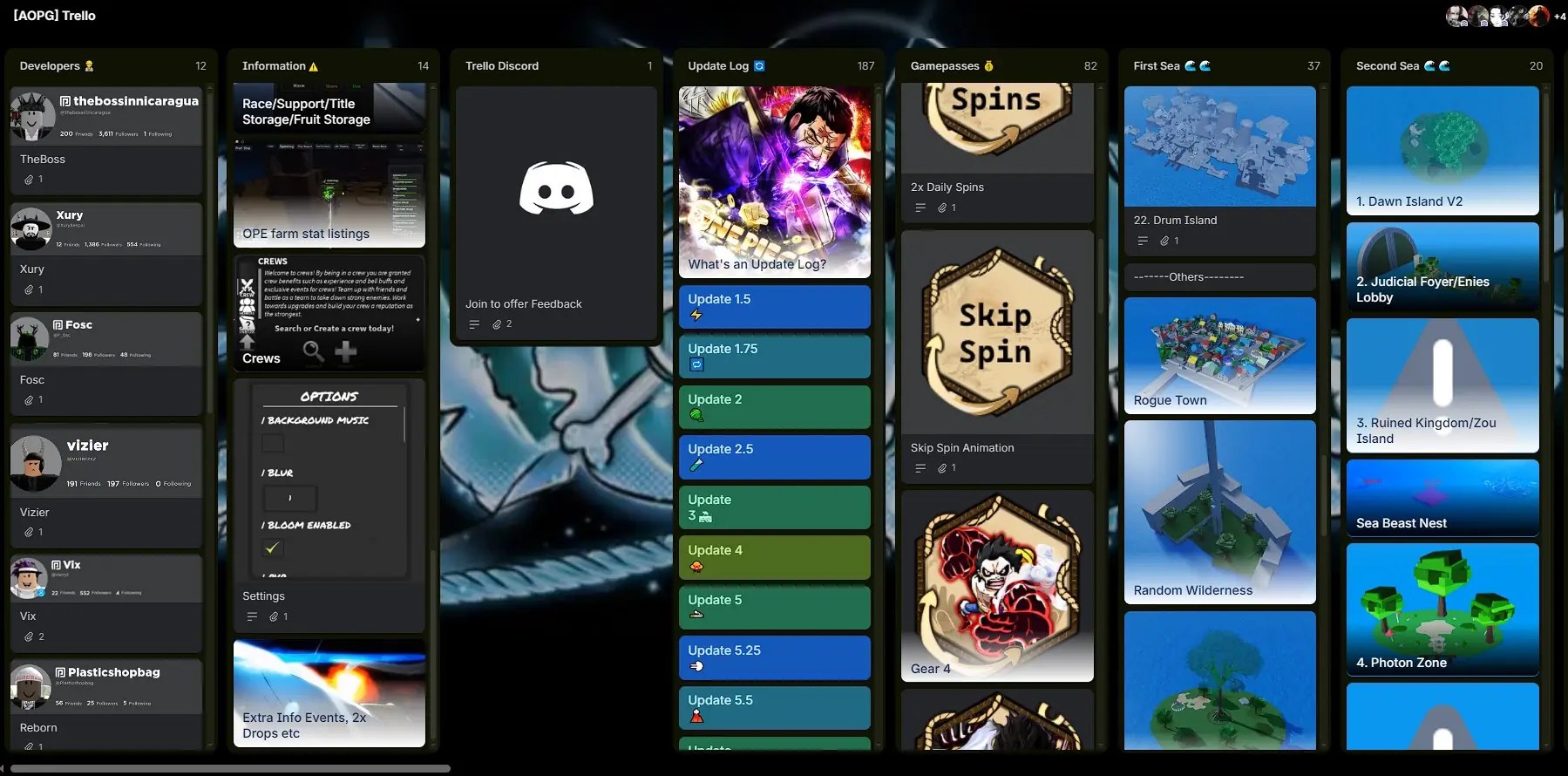
Note that you don’t need to create a Trello account to browse the board, so you can simply open the link and start looking through the available cards. Use the filter function in the top right to find the information you need quickly.
What’s on the Re:AOPG Trello?
The Trello contains information about many different parts of the game, making it particularly useful when you’re trying to figure out how to obtain something or where to find a particular NPC. Some of the information you can find includes:
- Devil Fruits
- Fighting Styles
- Swords and Weapons
- Haki
- Bosses
- Raids and Dungeons
- Islands and Locations
- NPCs
- Accessories
- Quests
- Game Mechanics
- Updates and Patch Notes
- Races
- Fruit Awakenings
Is There a Re:AOPG Wiki?
Yes, there is a wiki for Re:AOPG, though it’s very outdated and mainly used for the old version of the game. Because it’s so outdated, it’s much better you use the Trello instead. You can find the old wiki on the following link:
- OLD Re:AOPG Wiki: https://a-0ne-piece-game.fandom.com/wiki/A_0ne_Piece_Game_Wiki
Re:AOPG Trello FAQ
A: The Re:AOPG Trello is a centralized resource containing information about the game’s mechanics, items, locations, bosses, fruits, fighting styles, and other content.
Q: Is the Trello board free to use?
A: Yes, you can browse the whole board for free.
Q: Is the Trello board official?
A: Yes, the Trello board is official and maintaned by a group of people working with developers.
That’s everything you need to know about the Re:AOPG Trello. With so many fruits, fighting styles, bosses, raids, and other mechanics to keep track of, the Trello can save you a lot of time when you’re trying to figure out what to do next. For more helpful content, including our Re:AOPG Fruits guide and Re:AOPG codes list, visit the Roblox section here at Gamepur!





Published: Aug 24, 2026 02:14 am