




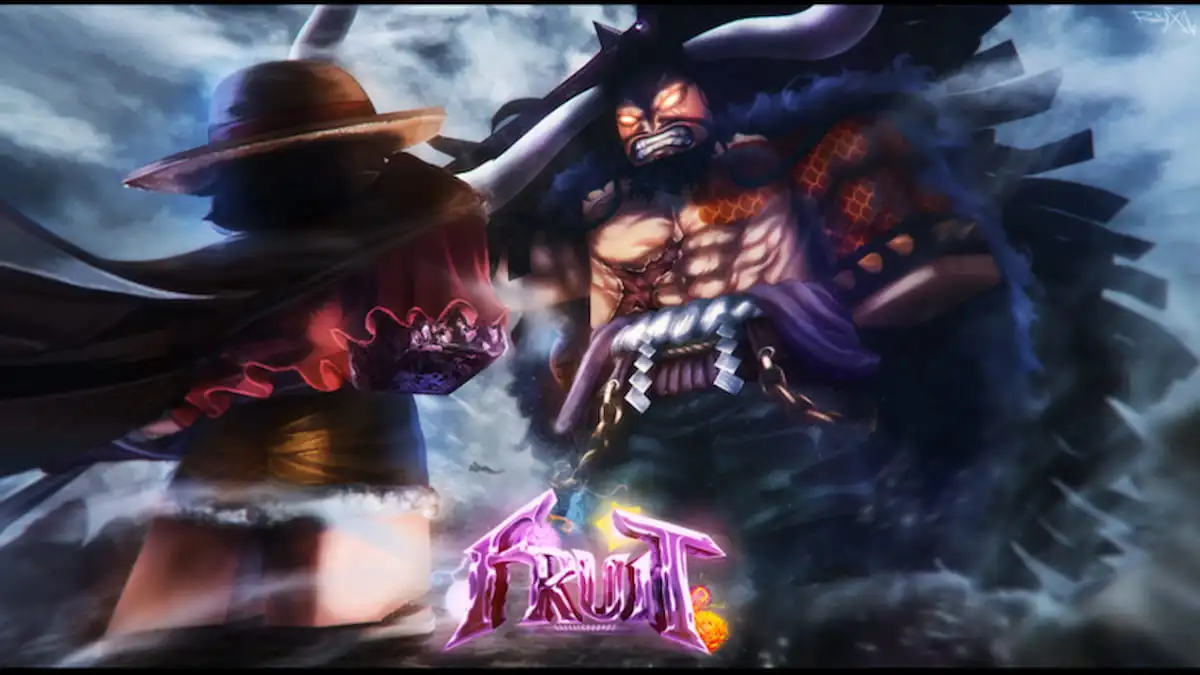
Rock Fruit is a Roblox anime-inspired adventure game where you can collect powerful Fruits, fight enemies, explore different areas, and improve your character. If you want to learn more about the game’s mechanics or keep up with new updates, the Rock Fruit Trello and Discord are useful places to start.
Rock Fruit Trello Link
The Rock Fruit Trello contains information about different aspects of the game, including its mechanics, items, abilities, and other gameplay details. You can browse the different Trello lists and open individual cards to find information about specific parts of the game. Here is the Trello link:
- Rock Fruit Trello: https://trello.com/b/ietXmAev/rock-fruit-4th-re-universe
What Is theTrello Used For?
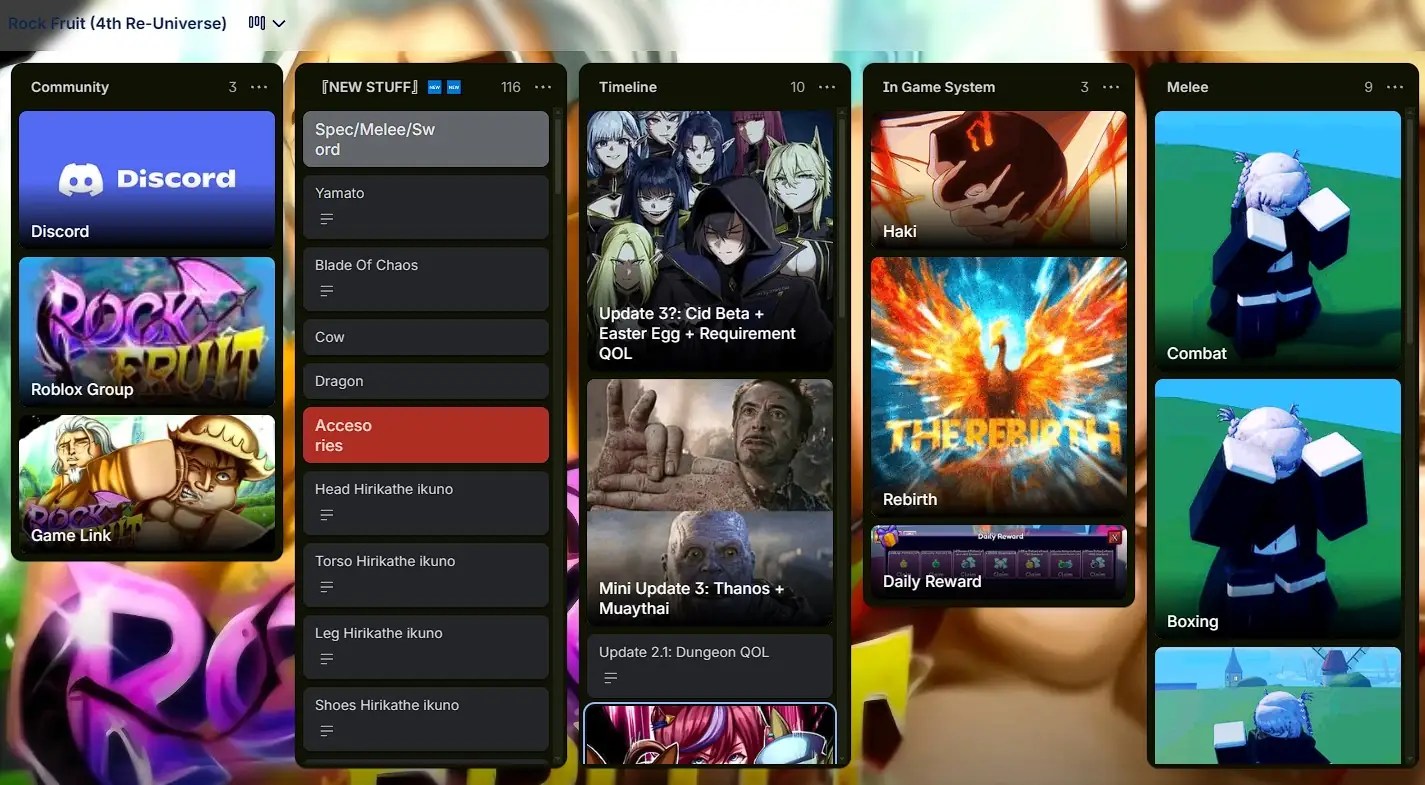
The Trello is essentially a collection of information about the game. You can use it when you want to look up something specific instead of searching through multiple sources. Some of the information you may find includes:
- Fruits and abilities: Learn more about the different Fruits available in Rock Fruit and the abilities they give you.
- Weapons and items: Find information about weapons, useful items, and other equipment you can obtain throughout the game.
- Locations: Check the Trello to learn more about the different islands, areas, and locations you can visit.
- Enemies and bosses: Find details about the enemies and bosses you’ll encounter while exploring Rock Fruit.
- Game mechanics: Learn how different gameplay systems work and get a better understanding of Rock Fruit’s mechanics.
- Updates and other game information: Keep up with new content, changes, and other useful information added to the game.
Rock Fruit Discord Link
The Rock Fruit Discord server is useful for keeping up with the game’s community and getting announcements or other information from the developers. After joining the server, check the available channels for announcements, game information, and community discussions. Here is the Discord link:
Rock Fruit Discord: https://discord.com/invite/WJzq2UnXNy
Rock Fruit Trello & Discord FAQ
A: Yes, there is a Trello board for this game.
Q: Does Rock Fruit have a Discord server?
A: Yes, you can join the Discord server using the link above.
Q: What information is on the Trello board?
A: You can find details about all the fruits and their abilities, weapons, items, locations, enemies, bosses, and more!
Q: Is there a wiki for Rock Fruit?
A: No, there is no official wiki for Rock Fruit right now.
If you want a quick place to look up information regarding this game, be sure to join the Discord server we linked above, as well as check out the official Trello board. Also, make sure to bookmark Gamepur for more helpful content, including the list of Roll a Fisherman codes!






Published: Sep 30, 2026 02:52 am