




Following the launch of Fields of Mistria 1.0, many players have reported running into the “Fields of Mistria has encountered an unrecoverable error” message when trying to launch the game or load a save. While there’s no official fix from the developers yet, several community-discovered workarounds have successfully resolved the issue for many players. Here’s everything you can try to get the game working again.
Fields of Mistria Has Encountered an Unrecoverable Error Fix
The fix that has worked for the largest number of players is deleting the game’s settings file, which forces Fields of Mistria to create a fresh configuration the next time it launches. This does not delete your save files, although your in-game settings and keybinds may be reset. To try the fix:
- Close Fields of Mistria completely.
- Press Windows + R to open the Run dialog.
- Type
%LOCALAPPDATA%and press Enter. - Open the FieldsOfMistria folder.
- Delete the settings.json file.
- If the issue persists, also delete settings.old.json (or settings.old, depending on your installation).
- Launch the game again and let it recreate the files automatically.
Other Fixes to Try
If deleting the settings files doesn’t solve the problem, there are a few additional troubleshooting steps worth trying:
Remove Newly Added Wallpapers and Decorations
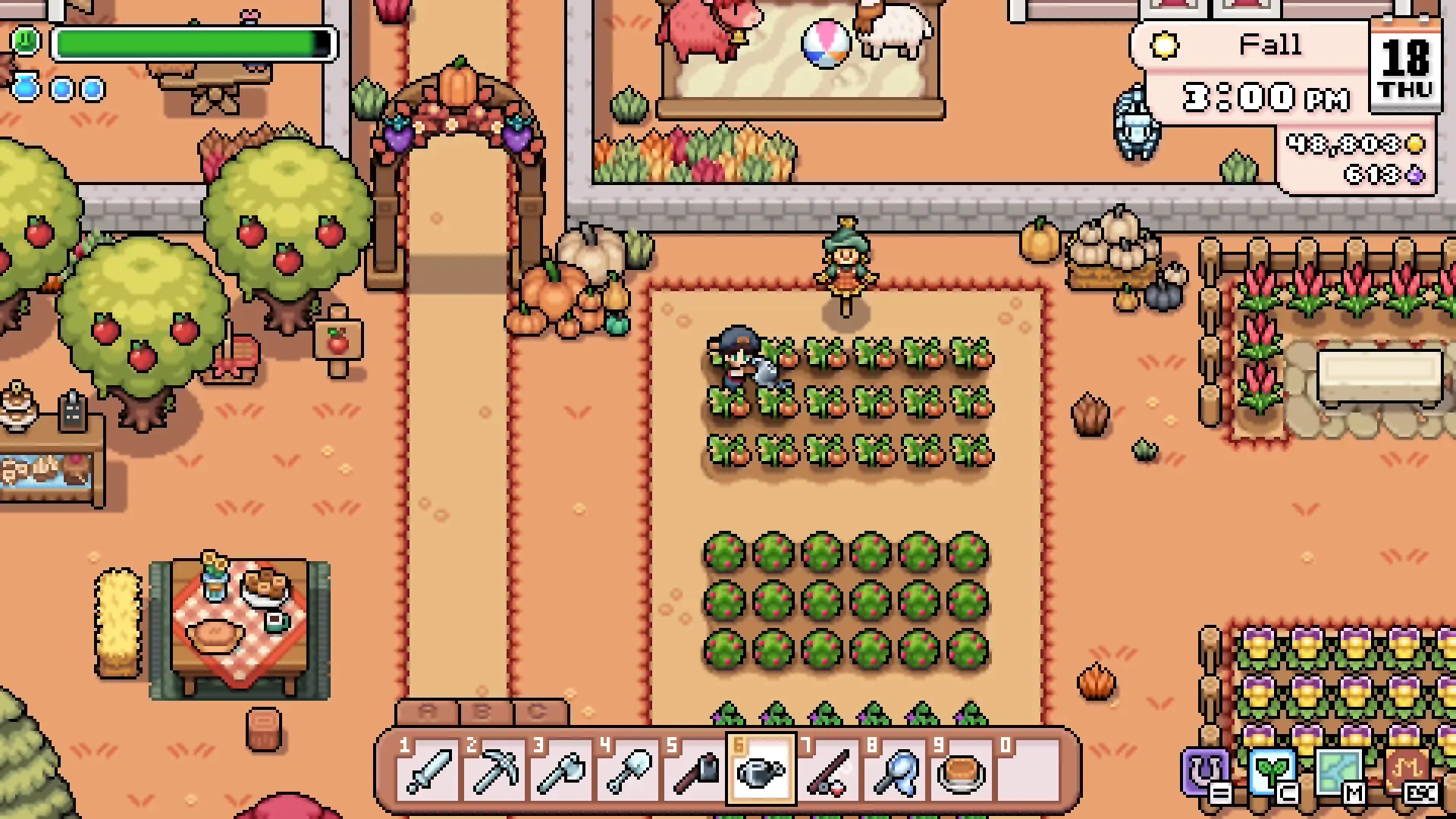
Some players have reported that Fields of Mistria crashes with an unrecoverable error after placing certain new wallpapers, flooring, or decorative items added in recent updates. If your game only started crashing after customizing your house, the issue may be related to one of these items rather than your save file itself.
To fix this, try loading an earlier save before the decoration was placed and remove any recently added wallpapers, flooring, or furniture. If you are unable to access your save because the crash happens immediately after loading, you may need to temporarily remove the affected save configuration or wait for a future patch that addresses the issue.
Verify Your Game Files
Corrupted or missing game files can also trigger startup crashes.
- Open your Steam Library.
- Right-click Fields of Mistria.
- Select Properties.
- Open the Installed Files tab.
- Click Verify integrity of game files.
Install the Latest Hotfix
The developers have already begun releasing patches addressing launch and stability issues after the 1.0 update. Make sure Steam has downloaded the latest version before trying to launch the game again, as newer hotfixes may resolve your specific crash.
Restart Your PC
While simple, a full restart can sometimes resolve issues caused by background processes or files remaining in use after a crash.
What if Nothing Works?
If you’ve tried every solution above and still receive the unrecoverable error, the issue may be related to a bug that only the developers can resolve. In that case, your best option is to wait for the next hotfix while submitting a bug report with as much information as possible, including when the crash occurs and whether you’re loading an existing save or starting a new game. Recent engine updates have focused heavily on improving stability, so additional fixes are likely to arrive soon.
That’s everything you need to know about fixing the “Fields of Mistria has encountered an unrecoverable error” crash. While deleting the game’s settings files has worked for many players, future hotfixes may provide a permanent solution if you’re still running into issues. We’ll continue updating this guide with any new fixes as they’re discovered. For more helpful content, including our Fields of Mistria marriage candidates guide, be sure to bookmark Gamepur.








Published: Aug 5, 2026 09:18 pm