


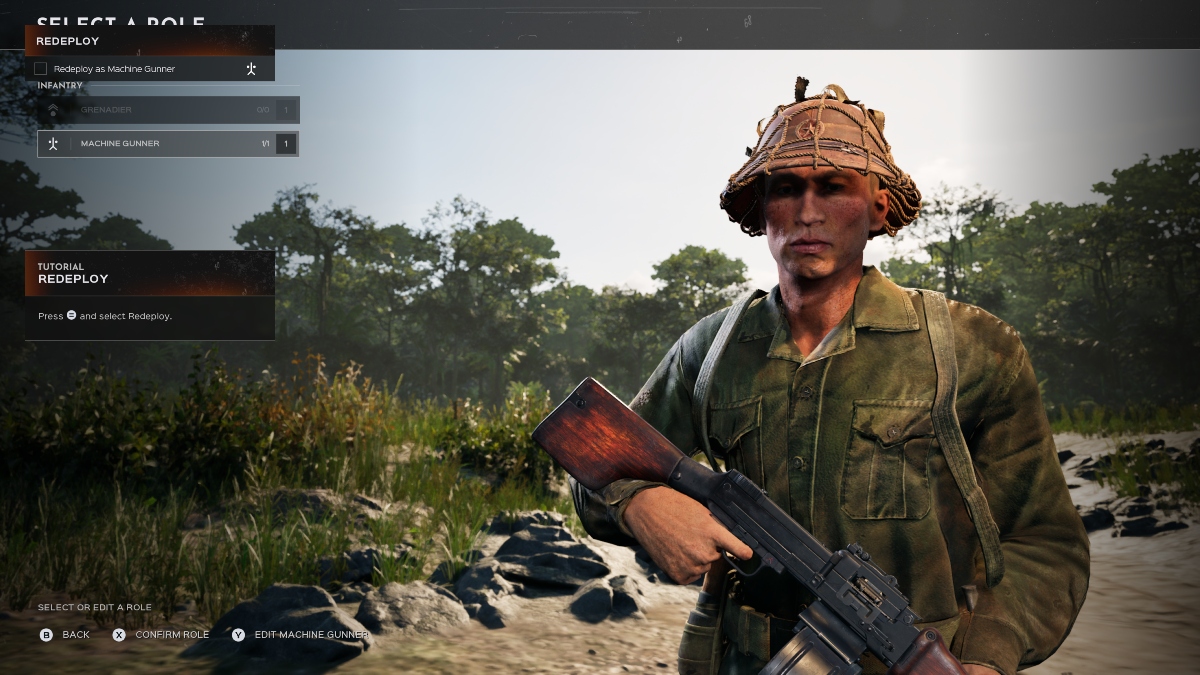

Hell Let Loose: Vietnam has plenty to offer, and with communication being a core component of the title, playing with friends is one of the best ways to maximize enjoyment.
Whether you want to take to the skies and drop supplies, battle it out in a tank, or hide away in the shadows as a sniper, playing with friends is the easiest way to get the most out of the game, and can eleviate some of the daunting aspects of the title.
If you’re struggling to add friends to your game in Hell Let Loose: Vietnam, this guide is here to help.
How to Play Hell: Let Loose Vietnam With Friends
Hell Let Loose: Vietnam utilizes the friend feature on your respective platform, but you’ll need to use Epic Games to connect with friends across multiple platforms.
If you don’t have an Epic Games account, you’ll need to create one, and once you log in, you’ll connect your Epic Games account with your current platform- Steam, PlayStation, or XBOX.
From here, social features are now available, and you can invite your friends through the social menu. Remember, if they’re on a different platform to you, you’ll need to add them on Epic Games before following these steps.
- Click the helmet icon in the top-right corner of the screen.
- Click on one of the available slots that shows a plus icon (+).
- Select your friend and invite them to the game.
Players need to be on the main menu of Hell Let Loose: Vietnam to be invited into a game, so make sure your friends have loaded up the title.
The good news is, you’ll be automatically placed together in a unit if you queue for a game in a group with friends, so you don’t have to stress about finding a unit with the right amount of spaces, and you can also lock your unit to make it private.
Having said that, make sure to keep the unit open for other players to join if there are only a couple of you, as venturing into the game as a duo or trio without other support could prove to be your downfall.







Published: Aug 17, 2026 10:09 am