


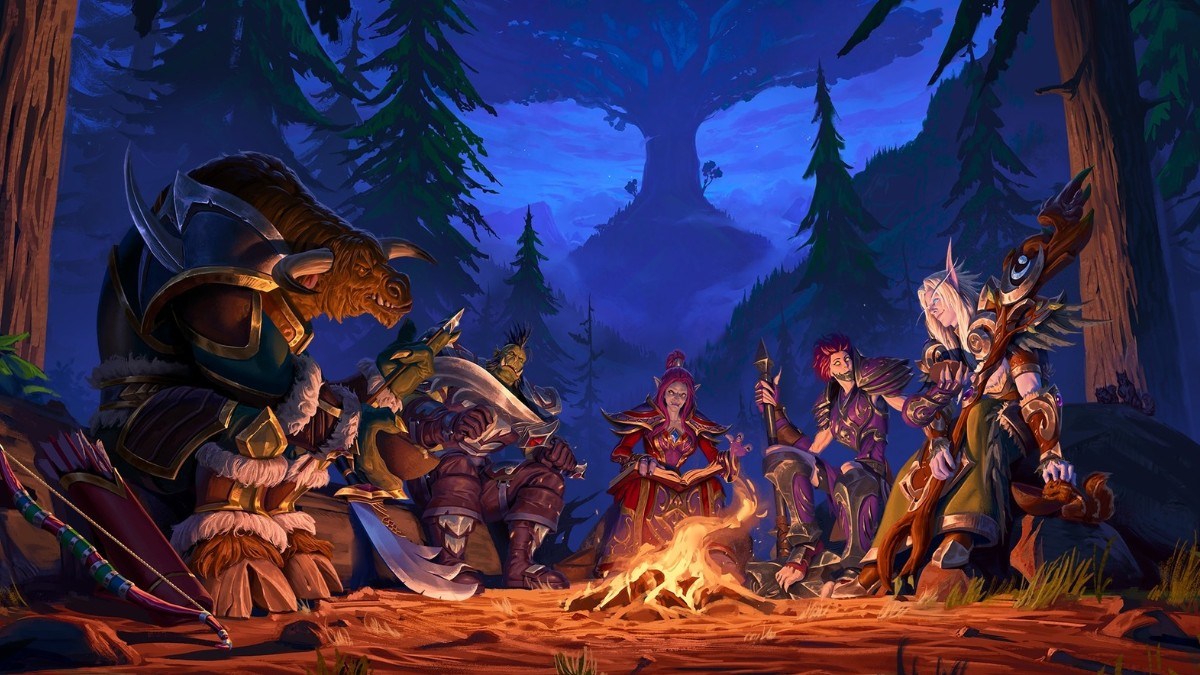

World of Warcraft: Forever runs through the Battle.net desktop app, and there is an option to pick it from a version menu instead of installing a separate launcher. To help you out, here is our guide on how to download WoW Forever on Windows or Mac, plus what you need to have ready before you hit Install.
What Do You Need to Play WoW Forever?
You need an active World of Warcraft subscription or Game Time to play WoW Forever. The game runs on Windows or Mac with a keyboard and mouse, and controller support is in beta. Update your operating system and graphics drivers before installing, and check the hardware list on the official WoW Forever store page.
Invite-A-Friend: Players can play WoW Forever without a subscription or Game Time during the first week of the launch, starting with 4th of November, by redeeming a friend invite code. Codes can be shared by players who purchased WoW Forever before or during the launch week.
How to Download WoW Forever
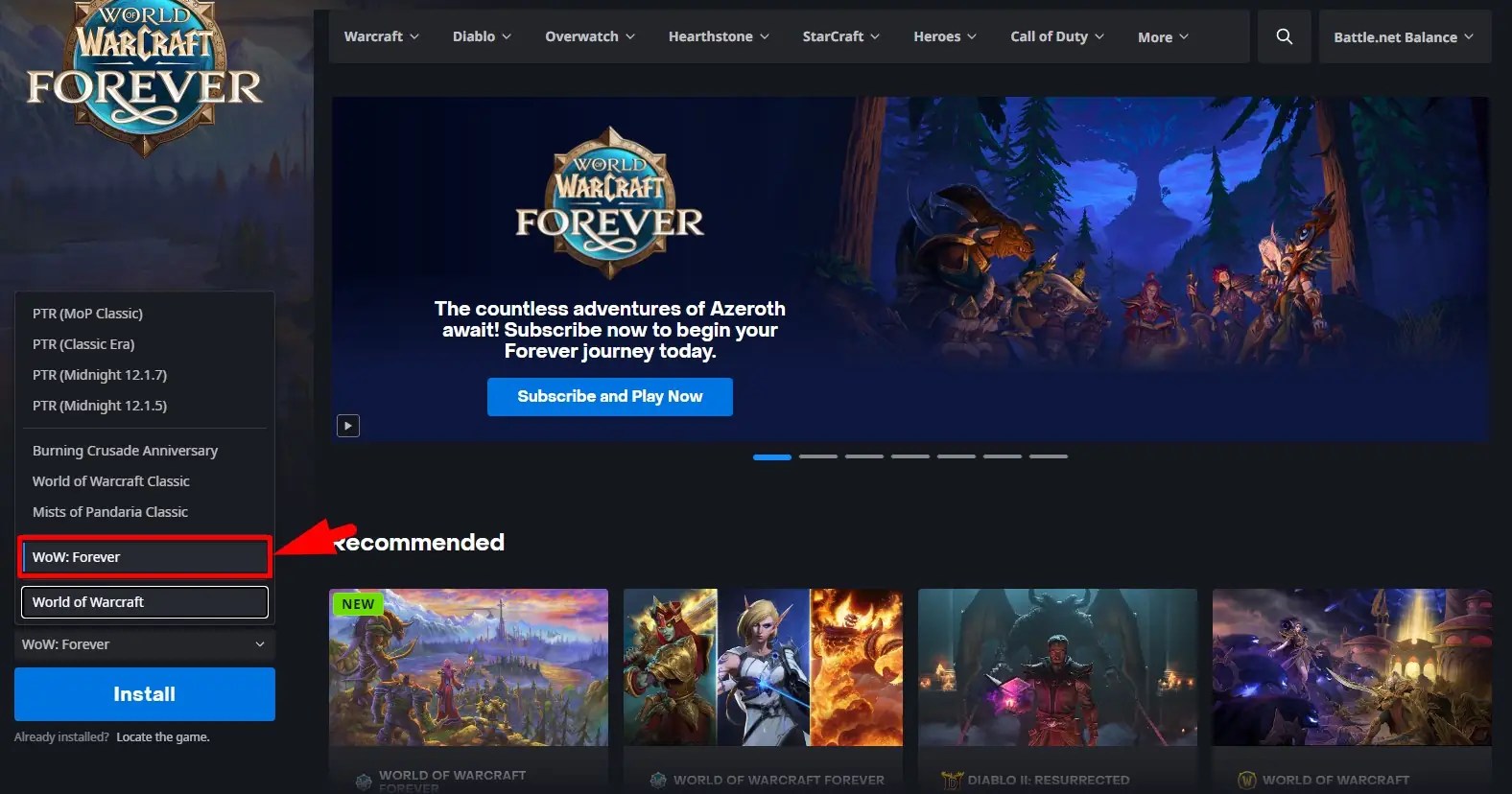
The download takes five steps in the Battle.net desktop app, and you choose WoW Forever from a version menu rather than a separate launcher. If you do not have the app yet, get it from the Battle.net download page first, and then follow these steps:
- Download the Battle.net desktop app for Windows or Mac and log in to your account.
- Open the app and select WoW: Forever from the menu.
- Under the Game Version menu, select WoW: Forever. If you have more than one WoW account, pick the one you want from the second dropdown.
- Click Install to start the download.
- Once the installation is complete, click Play to launch the game.
What Happens the First Time You Launch WoW Forever?
The first login asks you to Choose Your Experience Preset, either Classic or Enhanced, and Blizzard suggests Enhanced if you are not sure. After that you pick a ruleset instead of a realm, and you can only group, join guilds, run dungeons, and raid with players on the same ruleset and faction.
WoW Forever Download FAQ
A: No, it is included with an active World of Warcraft subscription or Game Time. The upgrade editions are optional and add cosmetics and other benefits.
Q: Can I download WoW Forever on Mac?
A: Yes, you can play the game on both Windows and Mac
Q: Do I need an upgrade to play as Skyborne?
A: Yes, the Skyborne race and its starting experience require the Skyborne Heroic Pack or higher.
Q: Which rulesets can I pick at launch?
A: You can pick Normal, PvP, Roleplay, or Roleplay-PvP. Hardcore is coming later in the release.
That covers everything on how to download WoW Forever and what to expect when you first log in. If you picked the Skyborne race, our guide on how to get to Zephras Isle in WoW Forever covers their starting zone. Also, stay tuned to Gamepur for more!










Published: Nov 4, 2026 08:47 pm