


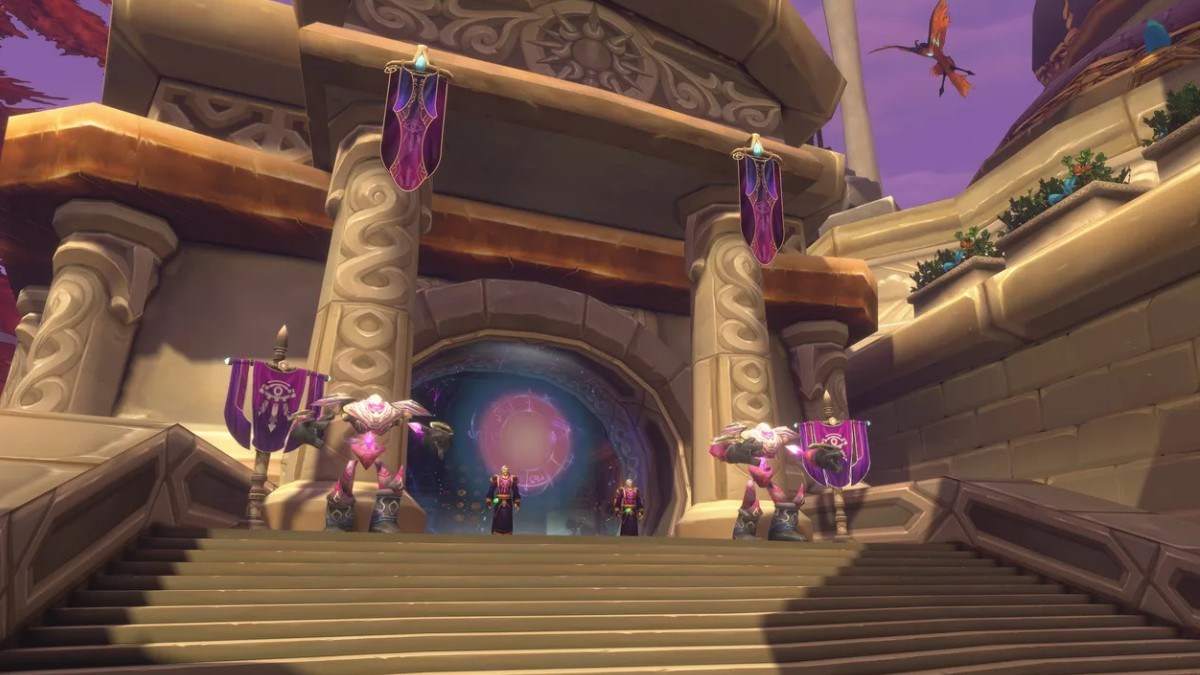

World of Warcraft: Forever gives every character two names, and the full pair can crowd the space above your head in the world. If you prefer a cleaner look, here is how to hide your second name in WoW Forever, plus a quick look at how the new naming system works.
How Do Names Work in WoW Forever?
Every character in World of Warcraft: Forever has two names, a first name and a second name. Together they form a full name that has to be unique within your region instead of a single realm, because the game is realmless. Here are the key naming rules to know before you pick yours:
- Two parts: Your first name and second name make up one full name.
- Shared first names: Two characters can use the same first name, as long as their full names are different.
- Regional uniqueness: The full name must be distinct within your region.
- Restricted names: Certain names, words, spellings, and repeated-character patterns may be restricted.
- Both parts are checked together: Splitting a restricted word across the two names will not necessarily make it valid.
How to Hide Your Second Name in WoW Forever
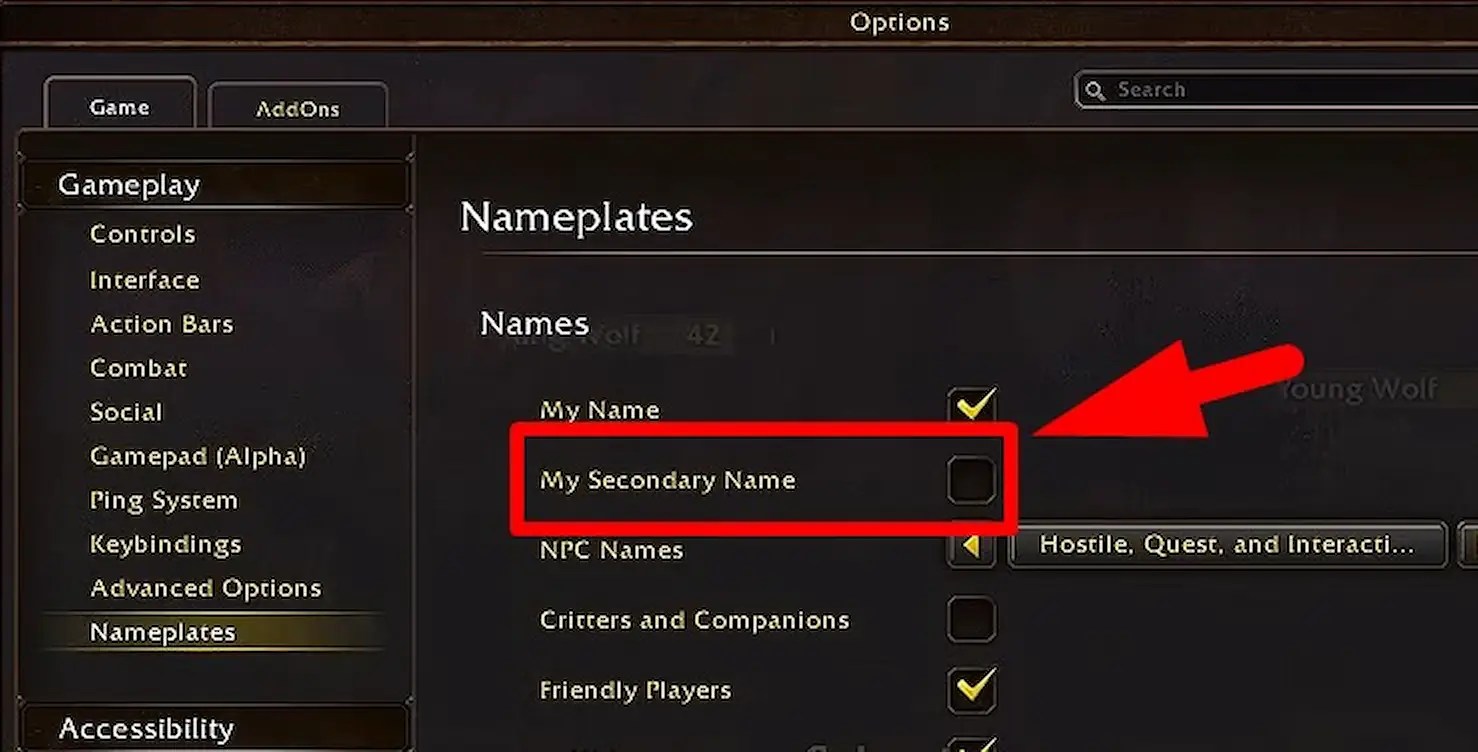
Hiding your second name only changes what you see in the game world, and it does not remove the name from your character. The second name will still appear in chat after you turn it off, so other players can still see it. Here are the steps to hide your second name in WoW Forever:
- Press Esc to open the Game Menu.
- Select Options.
- Open Nameplates.
- Click the checkbox for My Secondary Name.
Can You Pick Any Name in WoW Forever?
No, names still have to follow the in-game code of conduct, and the name you want is not guaranteed. Names that impersonate Blizzard or the World of Warcraft team, or that could create confusion, can be restricted. If your full name is taken or fails the rules, choose another combination or try the in-game random name generator.
WoW Forever Second Name FAQ
A: No, your second name will still appear in chat after you turn off the display in the world.
Q: Can two players have the same first name in WoW Forever?
A: Yes, as long as the full two-part names are different.
Q: Are WoW Forever names unique per realm?
A: No, the full name has to be unique within your region, since the game is realmless.
Q: Where is the setting to hide my second name?
A: Open the Game Menu with Esc, select Options, then Nameplates, and use the My Secondary Name checkbox.
That covers how to hide your second name in WoW Forever and how the two-name system works. If you are setting up your character, our guide on how to transmog in WoW Forever shows how to change your look, and bookmark Gamepur for more!







Published: Oct 31, 2026 04:56 pm