


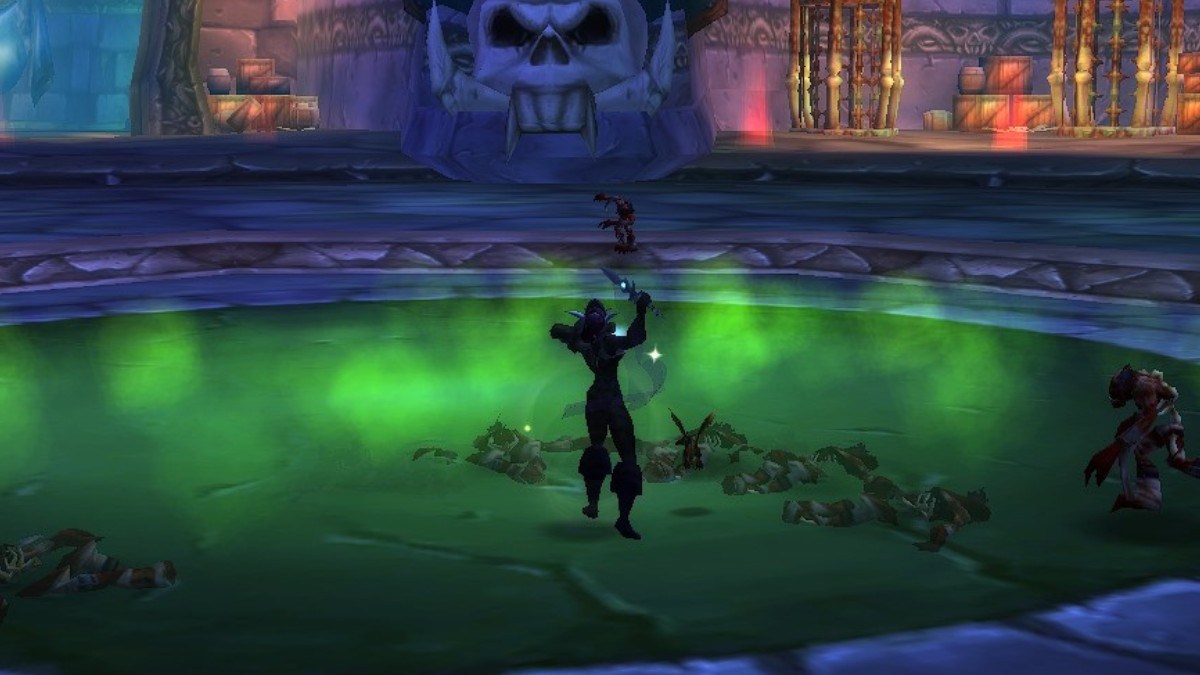

Azeroth Survivors is a free, fan-made roguelike by Aethus that mixes World of Warcraft with the Vampire Survivors formula: your spells fire on their own, and your only job is to stay alive. Here is how to play Azeroth Survivors in your browser, from the setup to the controls.
How to Play Azeroth Survivors in Your Browser
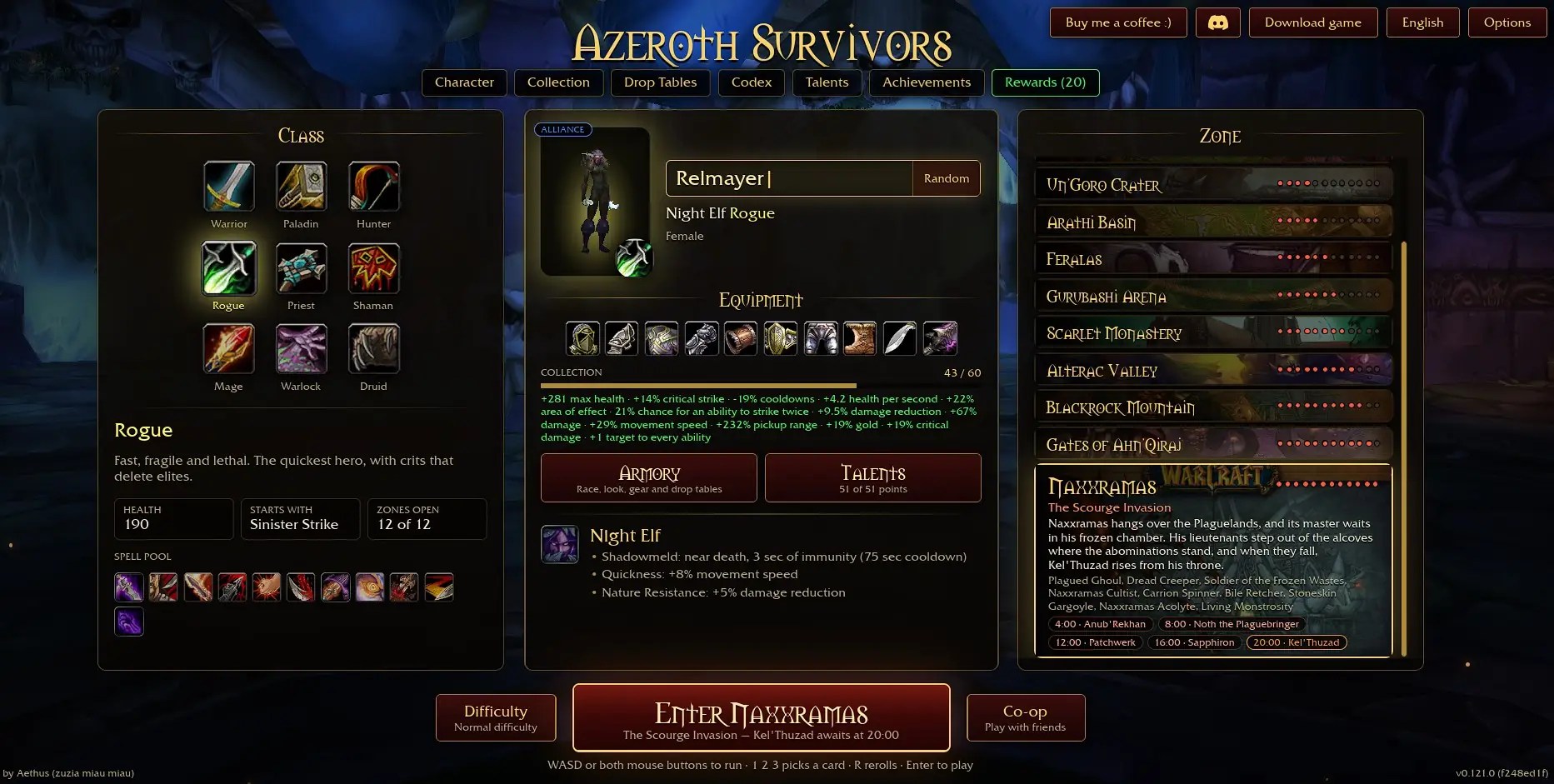
You can play Azeroth Survivors for free on the official site, and all you need is a browser with WebGPU. There is no account to make and nothing to install, but the game does need a desktop or laptop with a keyboard. Here is how to get into your first run:
- Open Azeroth Survivors in a current version of Chrome or Edge on your PC.
- Wait for the game data to finish loading. The first visit takes a while, and later ones are faster.
- Pick a class, a race, and a zone.
- Name your hero and press Enter to start the run.
Azeroth Survivors Controls
You can pick from nine classes and eight races, and every class casts its spells automatically once the run starts. That means you only need to learn a handful of keys, and you can change the key bindings in the options menu. Here are the default controls:
- Move: W, A, S, D
- Jump: Space
- Pick a level-up card: 1, 2, or 3
- Reroll the cards: R
- Lock or unlock the camera: C
- Zoom: Mouse wheel
- Pause: Esc
How a Run Works in Azeroth Survivors
Each level-up offers three spell cards, and you take one with 1, 2, or 3. Bosses walk in every few minutes, so keep moving instead of standing still. By spending gold on opening chests, you’ll get to choose trinkets and other gear in a similar way to spells to increase your character’s power further.
How to Fix the WebGPU Error in Azeroth Survivors
If the game says your browser has no WebGPU, update to the latest version of Chrome or Edge first, and then enable Hardware/GPU Acceleration. Linux players on Chrome also need to switch on a flag in the browser settings before the game will start, which takes three quick steps:
- Type chrome://flags/#enable-unsafe-webgpu into the address bar and press Enter.
- Set the flag to Enabled.
- Press Relaunch and open the game again.
Azeroth Survivors FAQ
A: Yes, it is a free fan game, and you do not need an account to play it in your browser.
Q: Can you play Azeroth Survivors on mobile?
A: It is built for keyboard and mouse, so a desktop or laptop is the way to go.
Q: Is Azeroth Survivors an official Blizzard game?
A: No, it is an unofficial fan project by Aethus and has no connection to Blizzard.
Q: Is it the same as the Azeroth Survivors addons for WoW Forever?
A: No, the addons on CurseForge, Azeroth Survivors by Ashkenazii and Survivors: Azeroth by Darnias, are separate games that run inside WoW Forever.
That covers how to play Azeroth Survivors, from the WebGPU setup to your first boss. If you enjoy this genre, our Warhammer Survivors release date page covers another survivors-style game worth keeping on your radar.








Published: Oct 28, 2026 04:58 am