


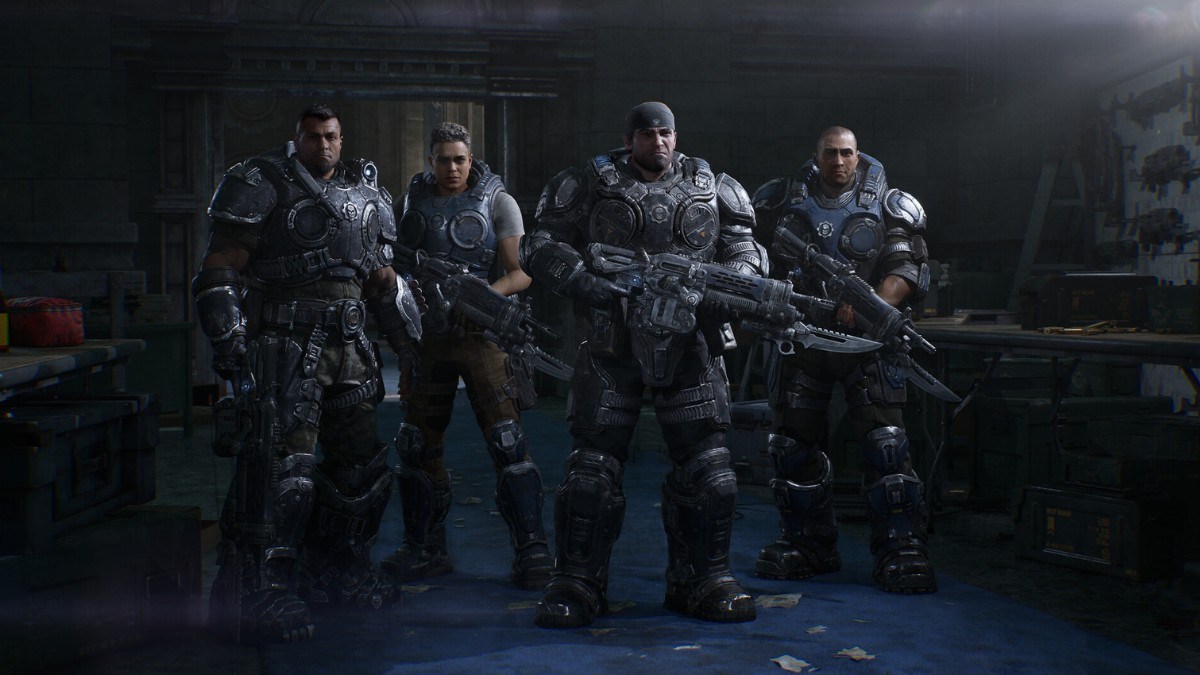

Gears of War: E-Day has a massive playerbase and a lot of squads are split between Xbox and PC. Here is how Gears of War: E-Day crossplay works, how many players you can bring along in each mode, and what you have to set up before you can jump in together.
Does Gears of War: E-Day Have Crossplay?
Yes, Gears of War: E-Day supports crossplay between Xbox and PC. The game is out on Xbox Series X|S and on PC through the Microsoft Store and Steam, and the Steam page lists Cross-Platform Multiplayer among its features, along with cross-platform invites.
How Many Players Can Play Co-op in Gears of War: E-Day?
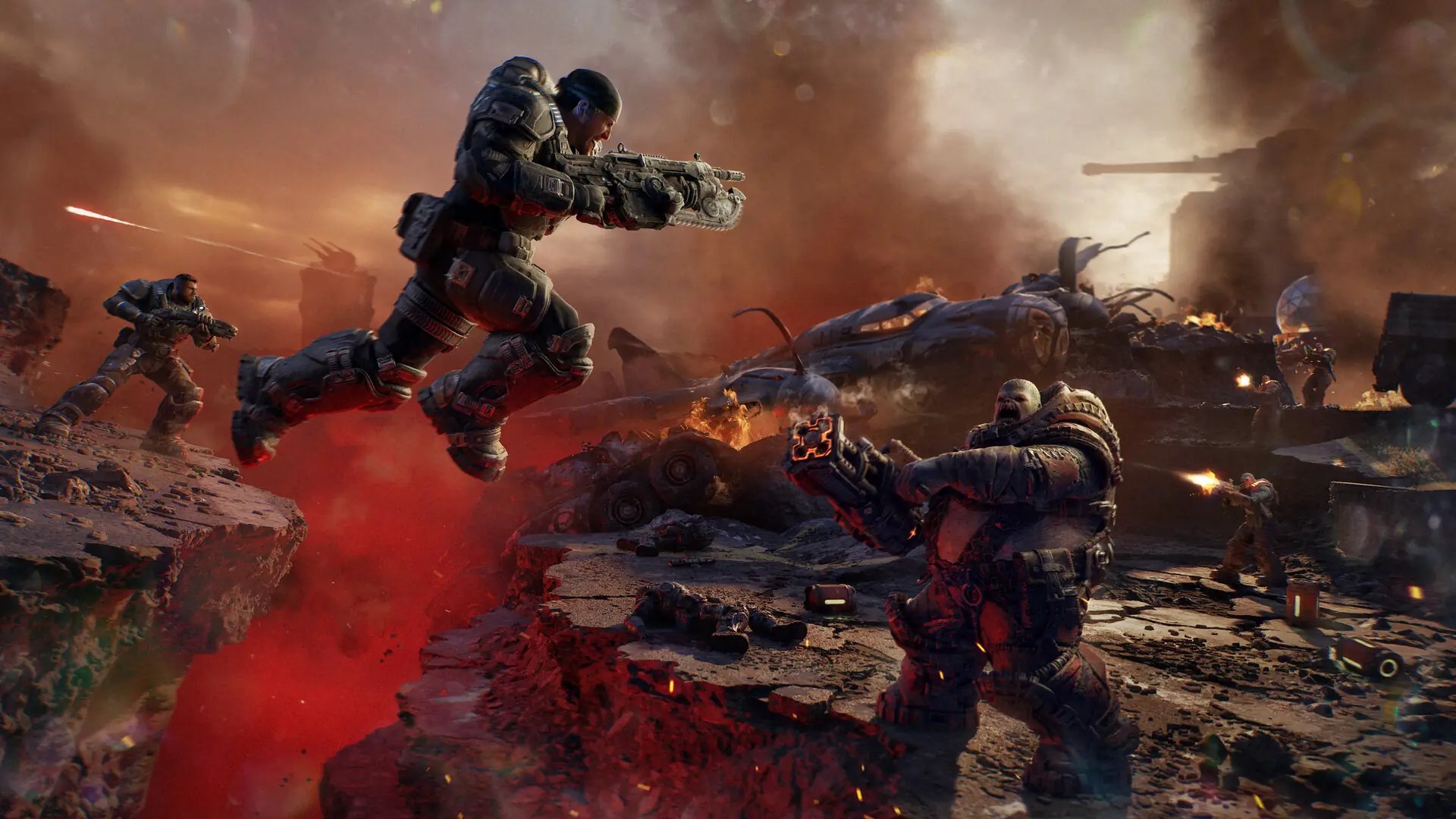
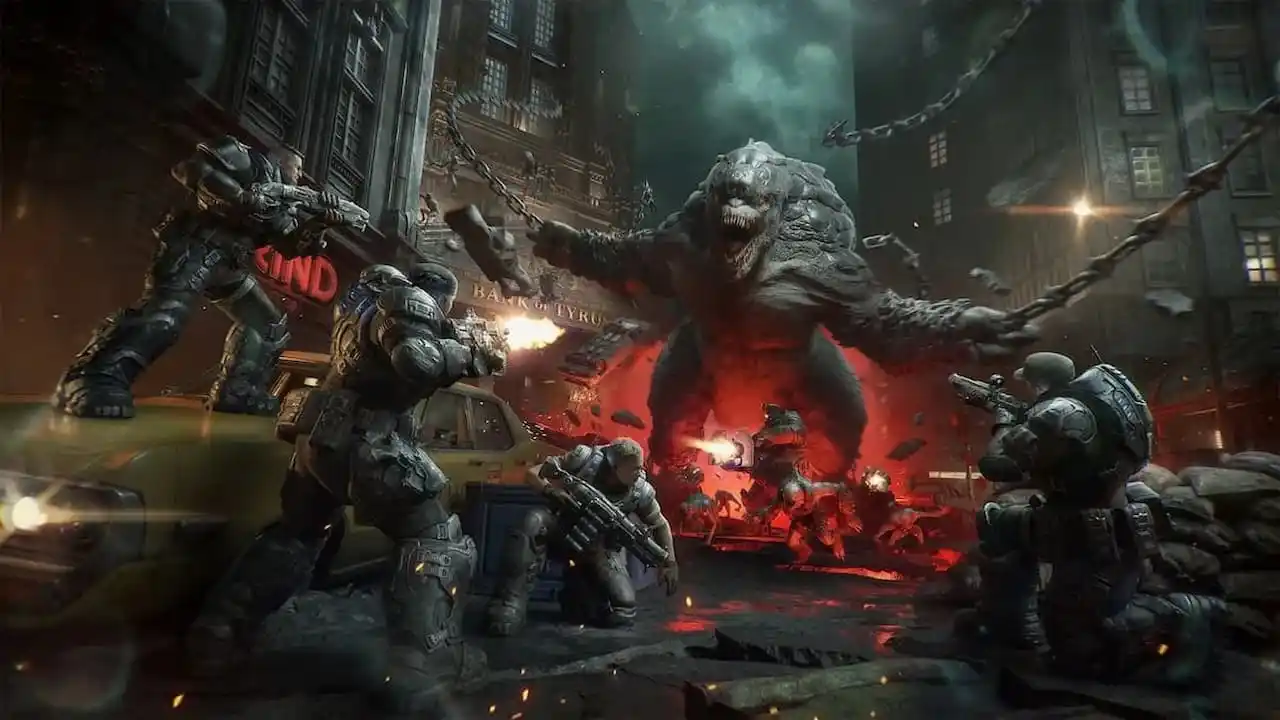
You can team up with up to four players online across the Campaign, Horde Siege, and Versus. The campaign supports both solo play and 2-4 player online co-op, while the new Horde Siege mode is a co-op wave-survival mode where you drop in as a 4-player squad. Here is the full breakdown:
- Campaign: 2-4 players online.
- Horde Siege: a 4-player squad.
- Versus: competitive multiplayer for up to 8 players across supported platforms.
- Split-screen: 2 players, on console only.
Do You Need a Microsoft Account for Gears of War: E-Day Crossplay?
Yes, a Microsoft account is required to play E-Day, and you have to accept the Microsoft Services Agreement as well. Account linking is optional on top of that, and it is what gives you roaming saves, friend connections, and cross-platform invites with your squad.
Gears of War: E-Day also supports Xbox Play Anywhere. Buy the game once, and you can play it on Xbox consoles and PC at no extra cost, with shared progression and achievements across both, so you do not have to buy it again if you switch between the two.
Can You Play Gears of War: E-Day on Handhelds?
Yes, GoW: E-Day is fully optimized for handheld play on Steam Deck, Xbox Ally X, and Xbox Ally devices. That matters if your squad plays on the go, since the same page lists cross-platform invites, so a handheld player can still join a friend on console or a desktop PC.
Gears of War: E-Day Crossplay FAQ
A: Yes, the game supports crossplay between Xbox and PC.
Q: How many players can play Gears of War: E-Day co-op online?
A: Up to four players can play together online across the Campaign, Horde Siege, and Versus.
Q: Does Gears of War: E-Day have split-screen on PC?
A: No, 2-player split-screen is available on console only.
Q: Do I need a Microsoft account to play Gears of War: E-Day on Steam?
A: Yes, the Steam page lists a Microsoft account as required.
That is how crossplay and co-op work in Gears of War: E-Day for now, so you can get your squad together on Xbox and PC. For more on PC games and handheld support, like whether Boltgun 2 is Steam Deck Verified, keep an eye on Gamepur.




Published: Oct 19, 2026 05:09 am