


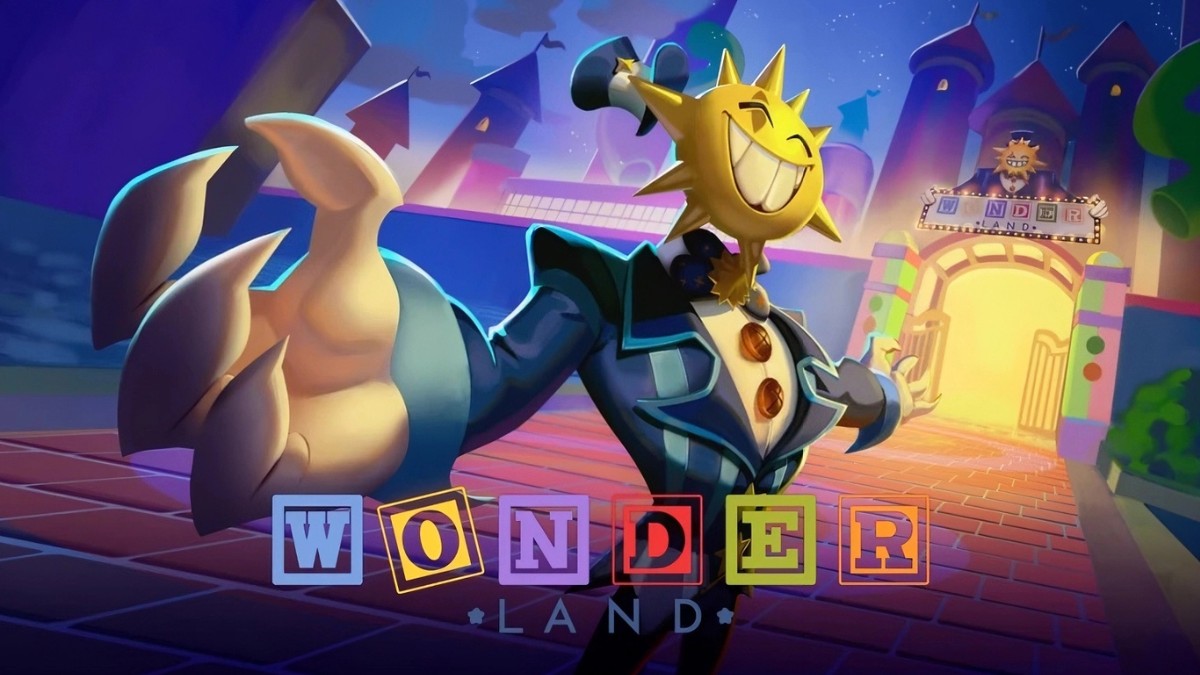

Surviving the twisted world of Wonderland isn’t easy, especially with the game’s randomized environments, puzzles, and terrifying encounters changing from one run to the next. Fortunately, with some free boosts you can get from codes, you can make your odds of survival a tad bit higher. Below, you’ll find all the latest Wonderland codes, along with instructions on how to redeem them before they expire.
All Working Wonderland Codes
- RELEASE26: Rewards 100 Gems (New)
Expired Codes
- There are no expired codes right now.
How to Redeem Codes in Wonderland on Roblox
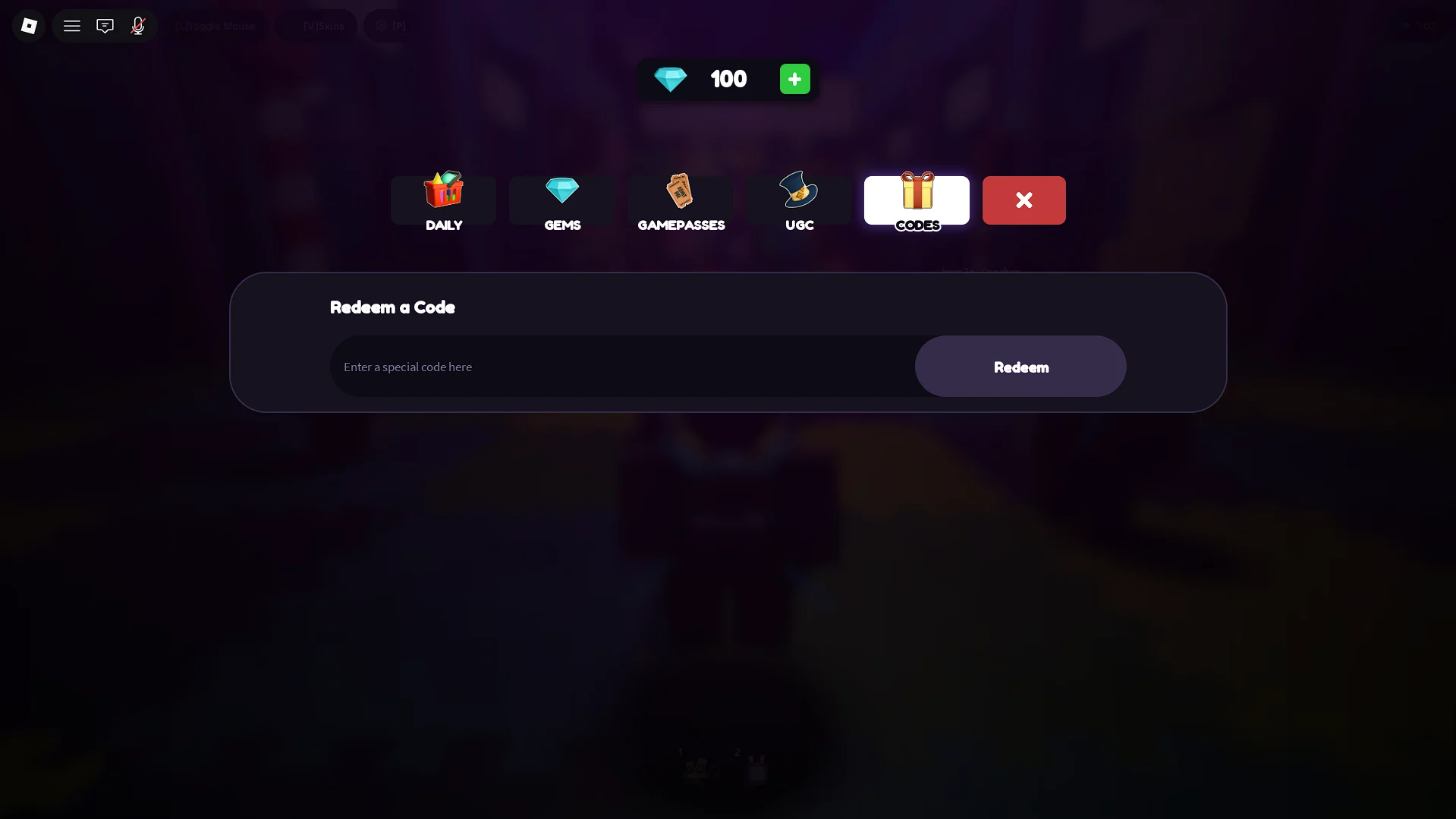
To redeem codes in Wonderland, follow these steps:
- Launch Wonderland on Roblox.
- Enter the main lobby.
- Click on the Shop button on the left side of the screen.
- Switch to the Codes tab.
- Enter an active code into the text box in the middle.
- Click Redeem to claim your rewards.
Why Are My Codes Not Working?
If a code isn’t working, first check that you’ve entered it correctly. Codes can mix letters, numbers, and special characters, making them hard to spell, and even a single mistake will prevent the game from recognizing them. To avoid all that, you can simply copy and paste the codes into the input field.
The code may also have expired or already been redeemed on your account. If you’re certain you’ve entered everything correctly and the code still doesn’t work, try restarting the game and joining a new server.
Wonderland Codes FAQ
A: The best place to look for more codes is the Scaryplay Discord server, specifically the announcements/updates channels.
Q: What do the codes give you?
A: The codes can give you Gems, cosmetics, and useful items.
Q: Do the codes for Wonderland expire?
A: Yes, the codes usually expire when a new update drops and a new set of codes is released.
Q: When are new codes released?
A: The new codes are usually released during updates, when Wonderland hits a certain milestone, or when a hotfix drops. Generally, you can expect 1-3 codes to be released per week.
That’s everything you need to know about the latest Wonderland codes. We’ll continue updating this guide whenever ScaryPlay releases new codes, so check back regularly if you want to get your hands on more free rewards. Also, check out the Roblox section here on Gamepur for more helpful content, including our Be The Final Boss tier list and The Portal class guide!









Published: Aug 14, 2026 03:48 pm