



The Forge is one of the most unique Roblox experiences there is, requiring you to mine for ores, forge and upgrade your own gear, and then fight enemies with your own creations. There are many things you’ll need to know to get good at the game, and we’re here to help you out. Here is our ultimate The Forge beginner’s guide!
Basic The Forge Controls
| Action | Keybind |
|---|---|
| Dash | Q |
| Sprint | Shift |
| Shift-Lock | Ctrl |
| Light Attack | LMB |
| Heavy Attack (Requires Shift-Lock) | R / RMB |
| Block (Requires Shift-Lock) | F |
| Menu | T |
Important Location and NPCs in The Forge
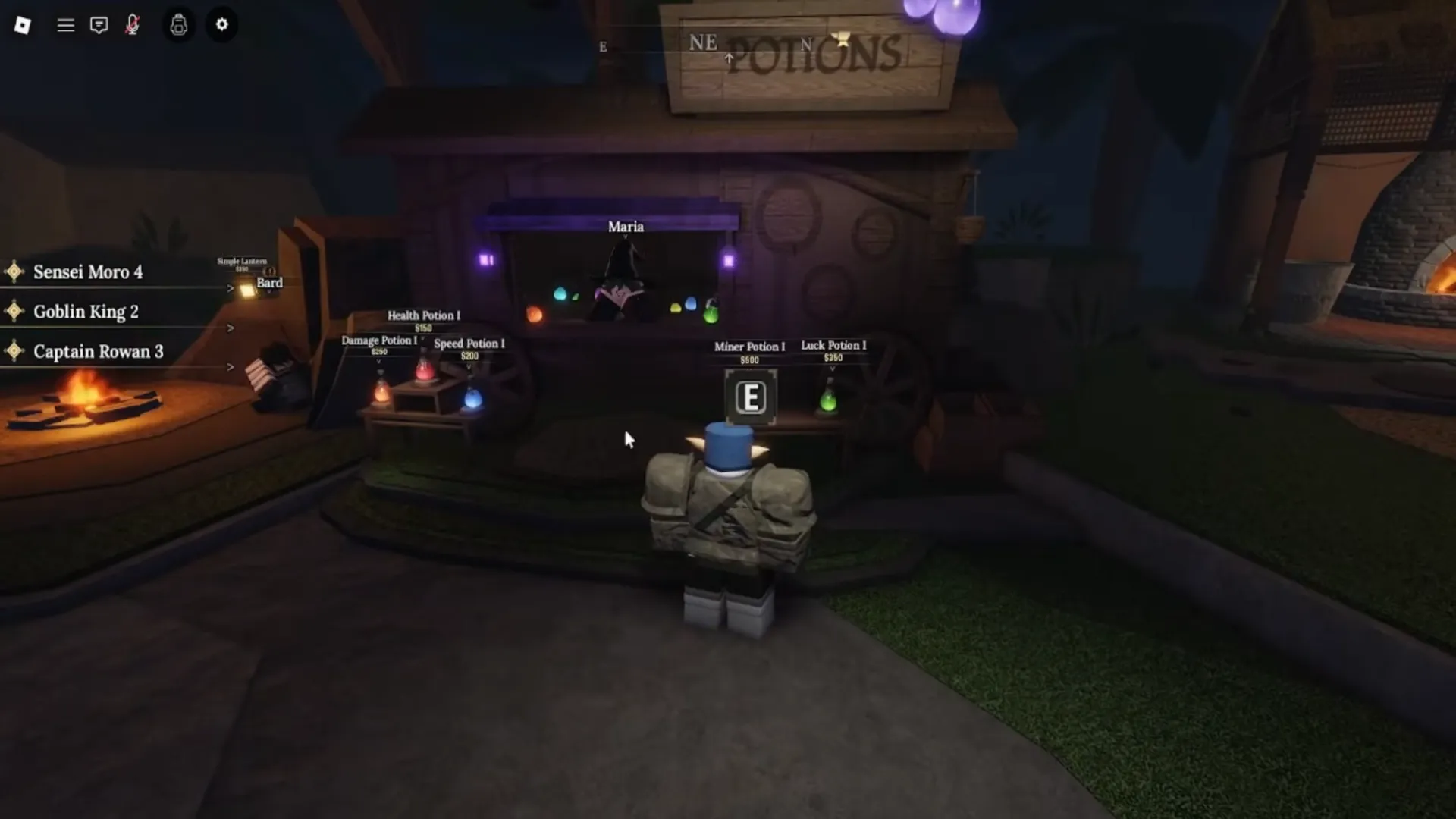
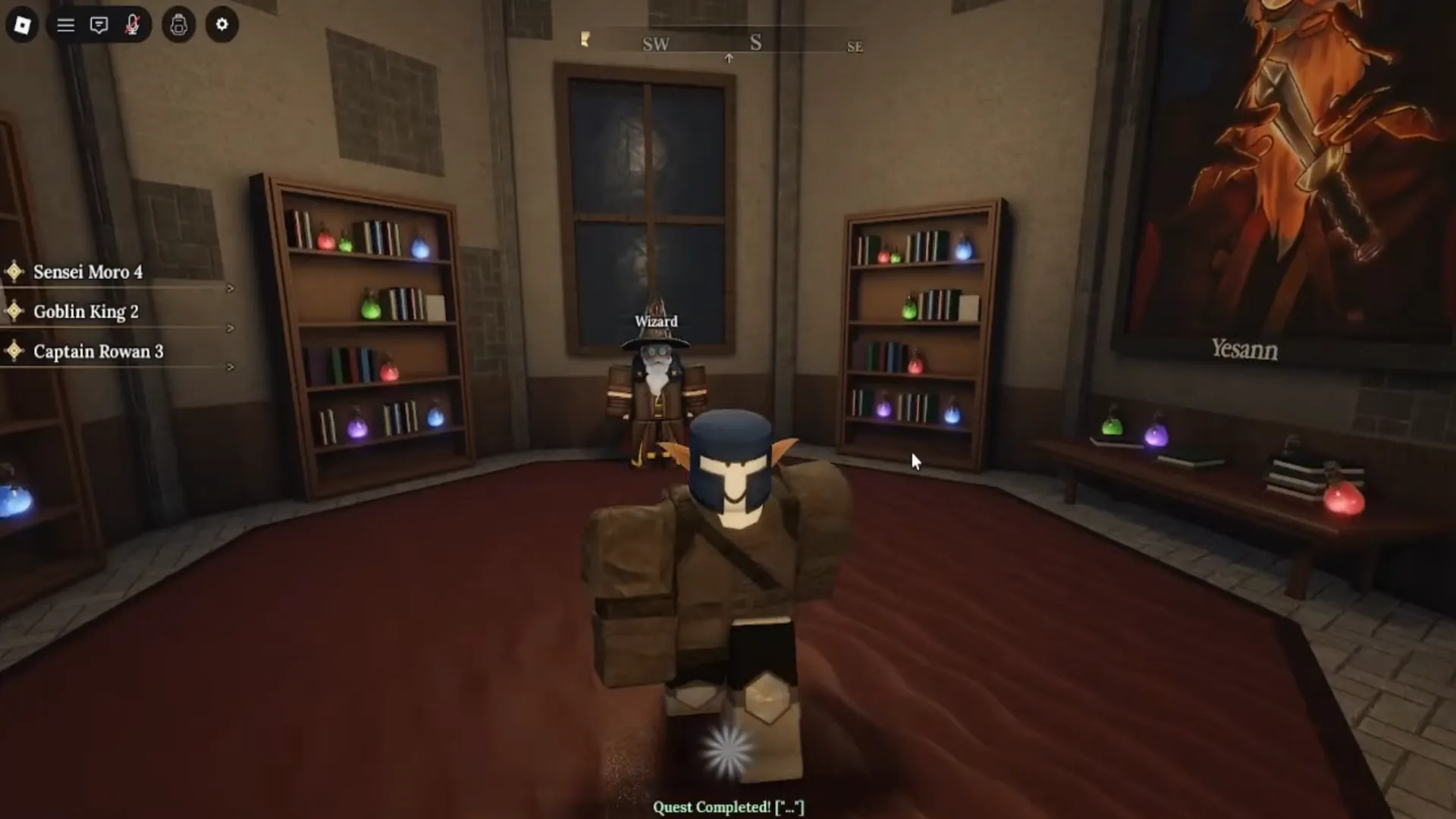
There are many NPCs and locations you’ll discover as you play The Forge, each playing a unique role in your adventure. Some NPCs will help you reroll your race, while others sell potions that will enhance your gear’s stats. Here is a table with the list of all the important locations and NPCs, and what they do:
| Location/NPC | Description |
|---|---|
| The Cave | Mining & Questing: Here, you will mine ores and defeat enemies, which are essential for overall progression. |
| The Forge | Forging Weapons & Armor: Here, you can turn raw ores into weapons and armor that you’ll use. |
| Enhancer | Gear Enhancement: Allows you to spend resources and upgrade your gear, increasing its stats. |
| Runemaker | Slot Runes: Here, you can slot runes into your equipment, buffing them with powerful effects such as burn, poison, lifesteal, and more. |
| Potions | Buy Potions: Maria sells various potions that will increase your stats while exploring. Stock up on potions and use them before difficult fights. |
| Bard | Buy Lantern: Here, you can obtain a lantern, which will help you while exploring dimly lit areas. |
| Miner Fred | Buy Pickaxes: Fred sells better pickaxes, which will speed up your mining and increase the odds of getting rare ores. |
| Marbles | Sell Gear: Here, you can sell weapons and armor you forged to free up space and get extra gold. |
| Greedy Cey | Sell Items: Here, you can sell ores, runes, and essences for gold, which you’ll need for other upgrades. |
| Wizard | World Unlock: Allows you to unlock World 2 once you reach Level 10 and complete Sensei Moro’s questline. Race Reroll: Reroll your race by talking to the Wizard. You can get Race Rerolls for free by using codes. |
How Mining Works in The Forge
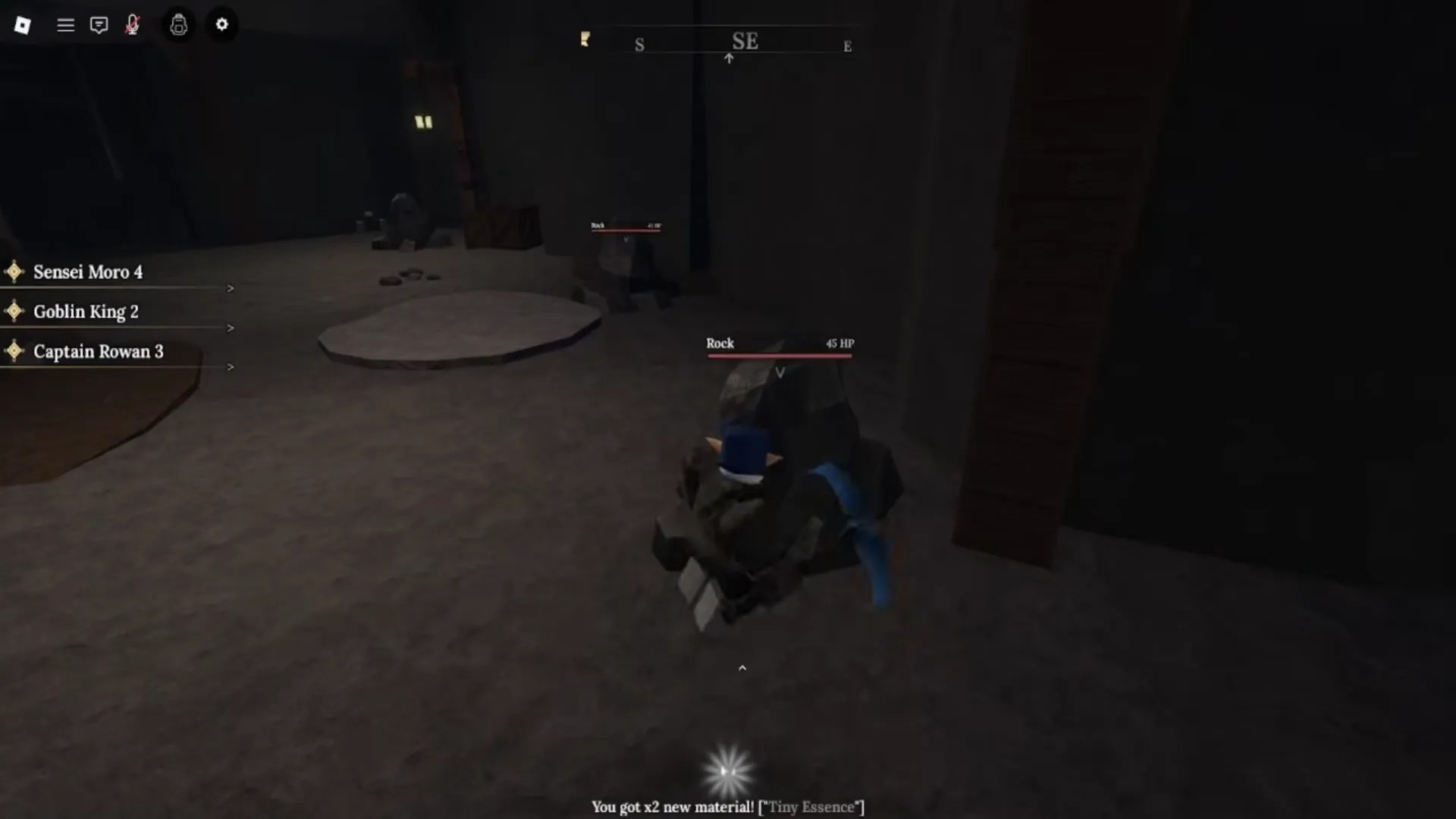
Mining in The Forge is fairly simple. To do it, take out your Pickaxe (slot 2) and hit one of the rocks inside The Cave. Once you’ve destroyed a rock, you’ll get ores with a random chance and quantity. The ores you get are decided by RNG, and the more Luck you have, the higher the odds of obtaining rare ores.
Pickaxes
You can get new pickaxes at Miner Fred’s stall in World 1’s main lobby. Each pickaxe has different stats, providing progressively better Mine Power and Luck Boost, as well as extra Rune Slots. Better pickaxes will help you mine and progress faster.
How Combat Works in The Forge
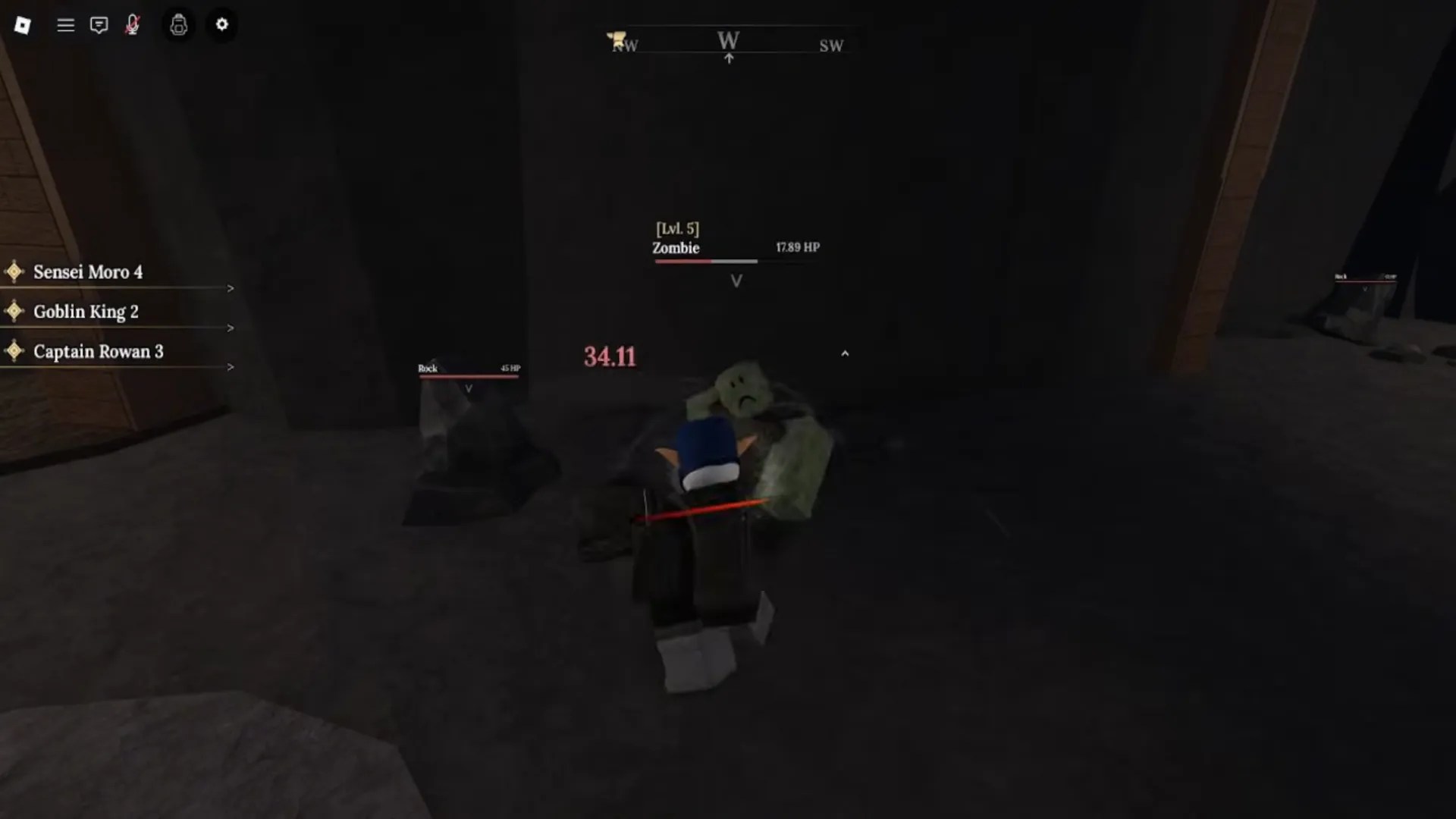
Combat in The Forge isn’t very complex, as there are no abilities. Instead, you use your light attack and heavy attack to deal damage, while using block to lower the damage you receive. A perfectly-timed block will result in a parry, which will stun the enemy for a brief moment.
How Forging Works in The Forge
Best Gear Recipes: Check out our guide on how to make the best gear in The Forge for information on the best ores to use for each piece of gear!
Forging weapons and armor is the most important mechanic in The Forge Roblox experience. To do it, walk over to the forge and interact with it. You’ll need several ores in order to start crafting. Ore rarity and type will affect which properties and stats the resulting item will have. Here are step-by-step instructions on how to forge an item:
- Interact with the forge (anvil icon) to start forging.
- Choose which item type you want to create in the bottom right (Armor / Weapon).
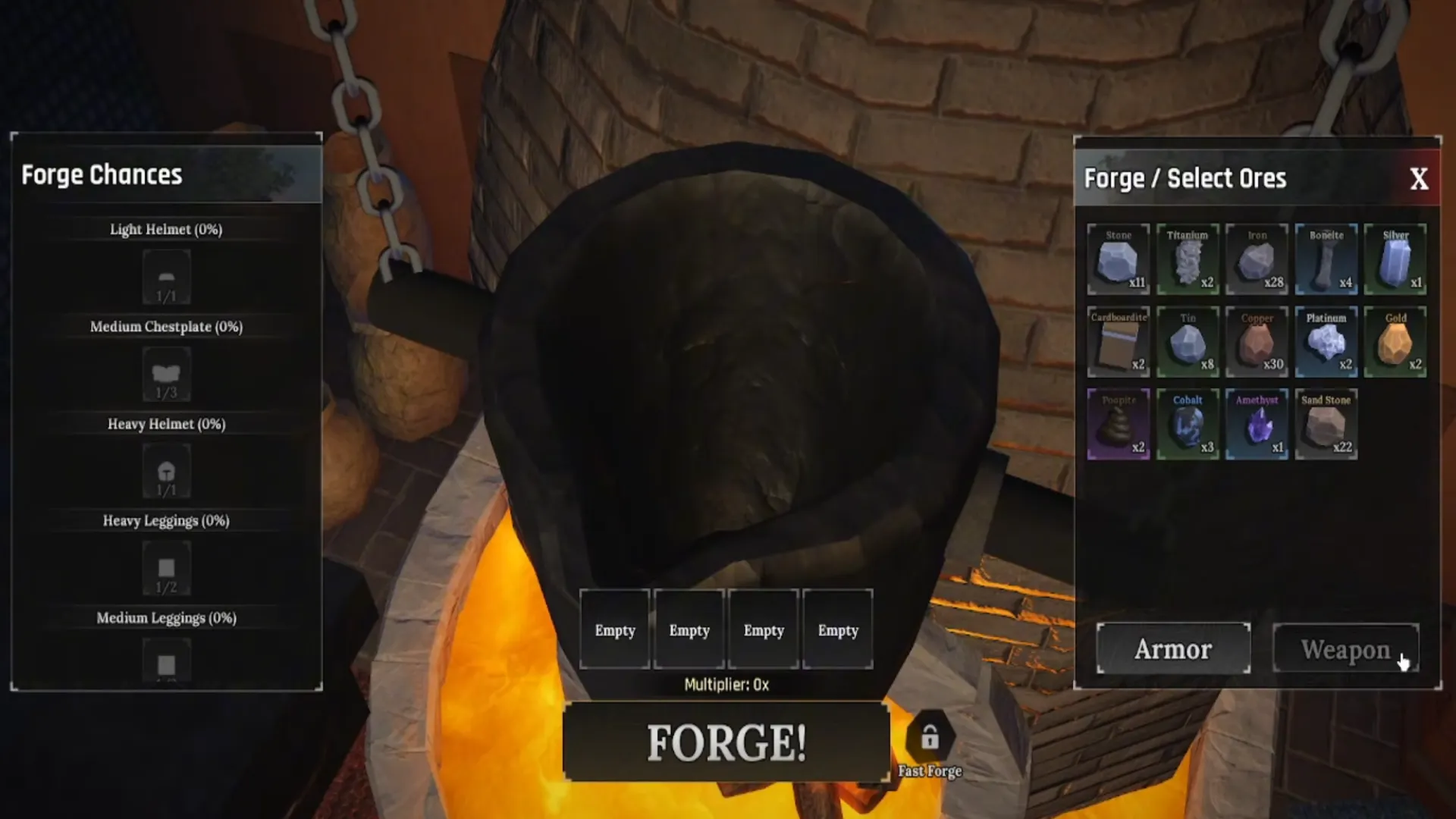
- Put in the ores that you want to use for this craft (click on them on the right). You can use up to 4 different ores for each craft.
- Multiplier: Below the selected ores, you’ll see the stats multiplier that will be applied to the weapon (0.25x means the weapon will 0.25x of its base damage number). It is the average of all the multipliers of the ores that you used for the craft.
- Forge Chances: On the left, you’ll see the odds of crafting different types of items. More ores will result in heavier items, which are almost always stronger than the lighter ones.
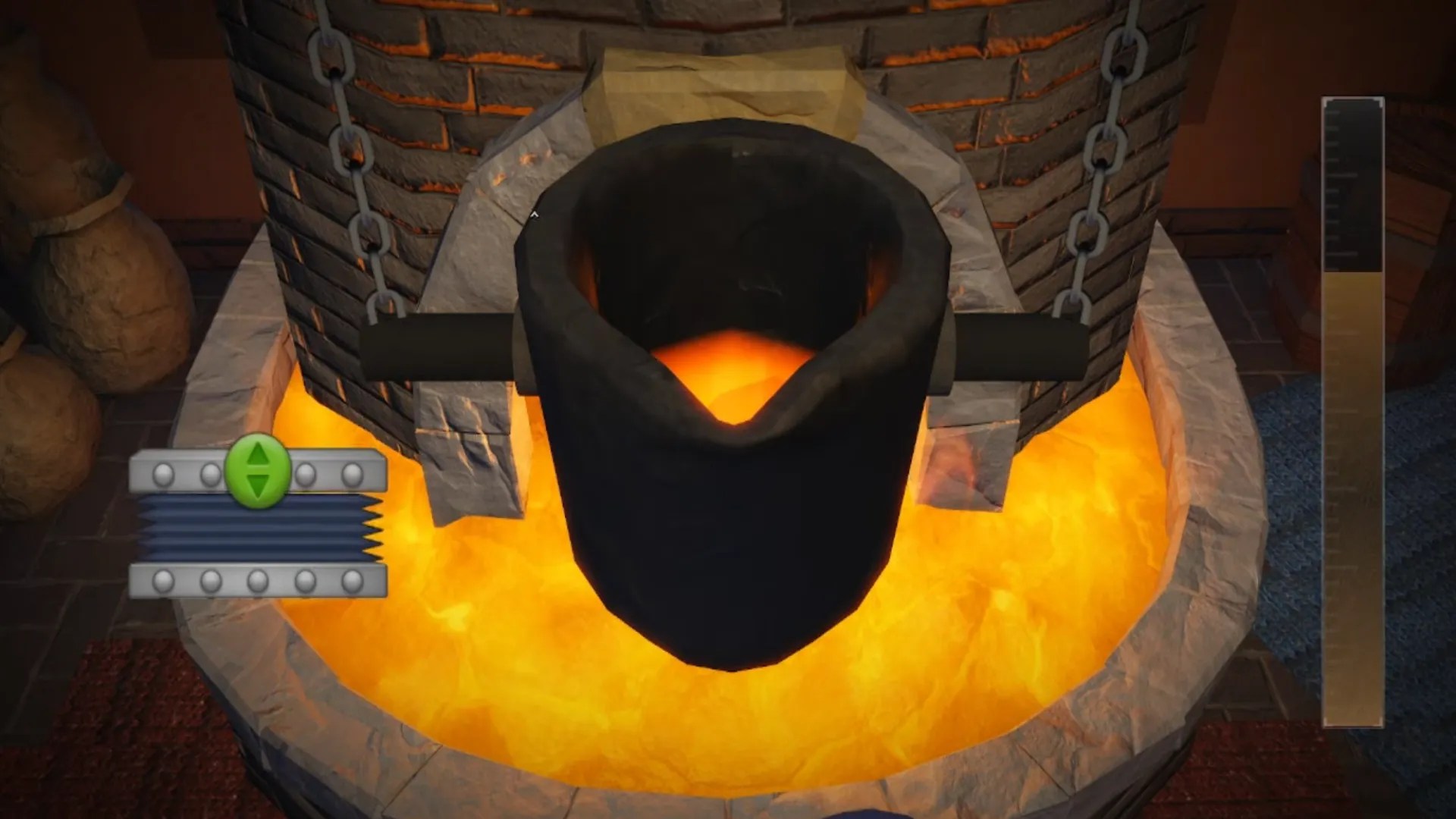
- 1st Forging Minigame: The first forging minigame requires you to hold and swipe the mouse up and down to up the heat and melt the ore.
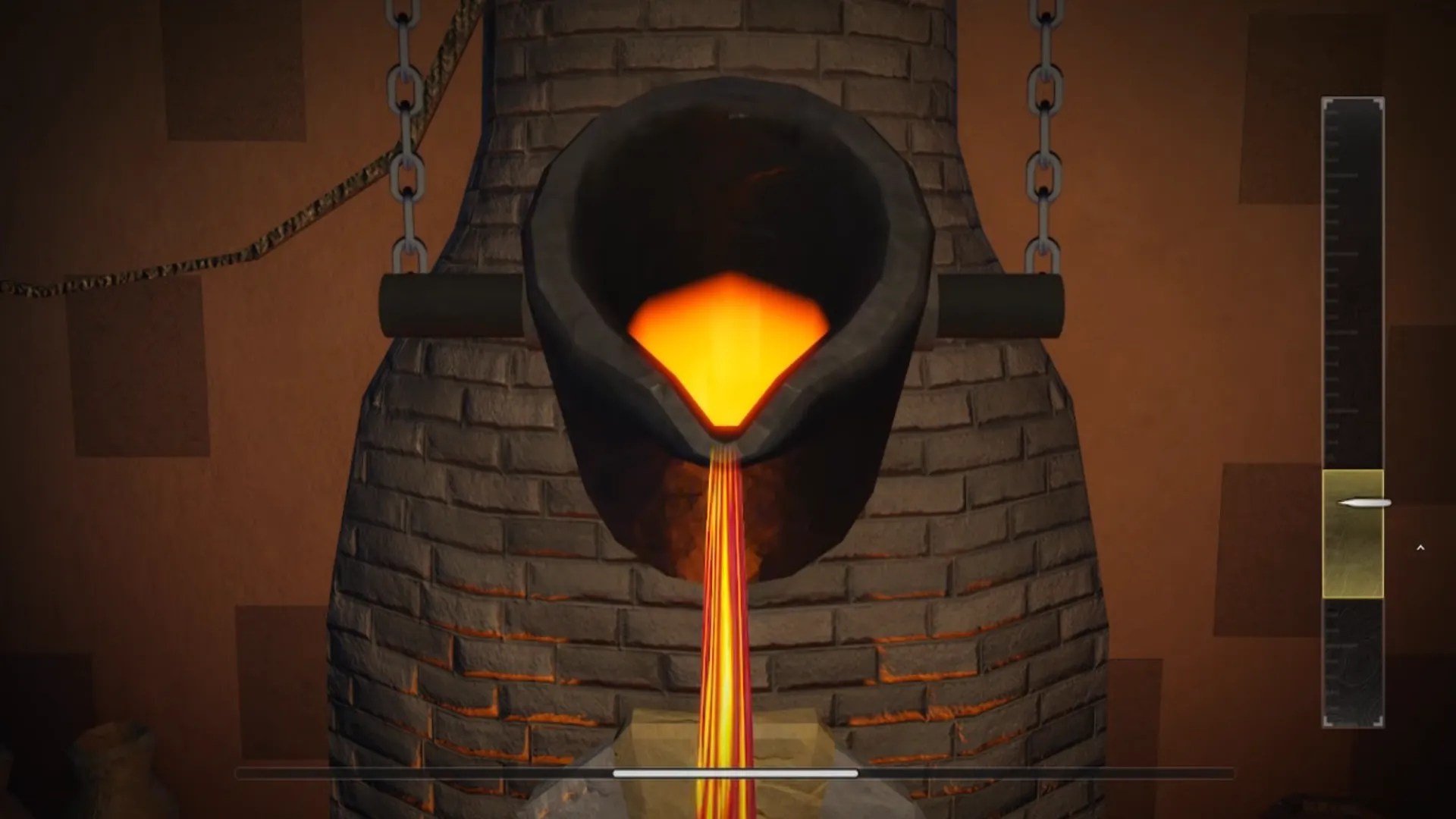
- 2nd Forging Minigame: The second forging minigame requires you to hold and release the mouse so the pointer on the right stays within the highlighted area, while the molten ore is being cast.
- Click on the cast shape on the anvil multiple times to break it and reveal the item.
- 3rd Forging Minigame: Click the circles on the screen as the outside circle shrinks to the size of the inner circle. Perfect timing will allow you to produce 100% quality items.
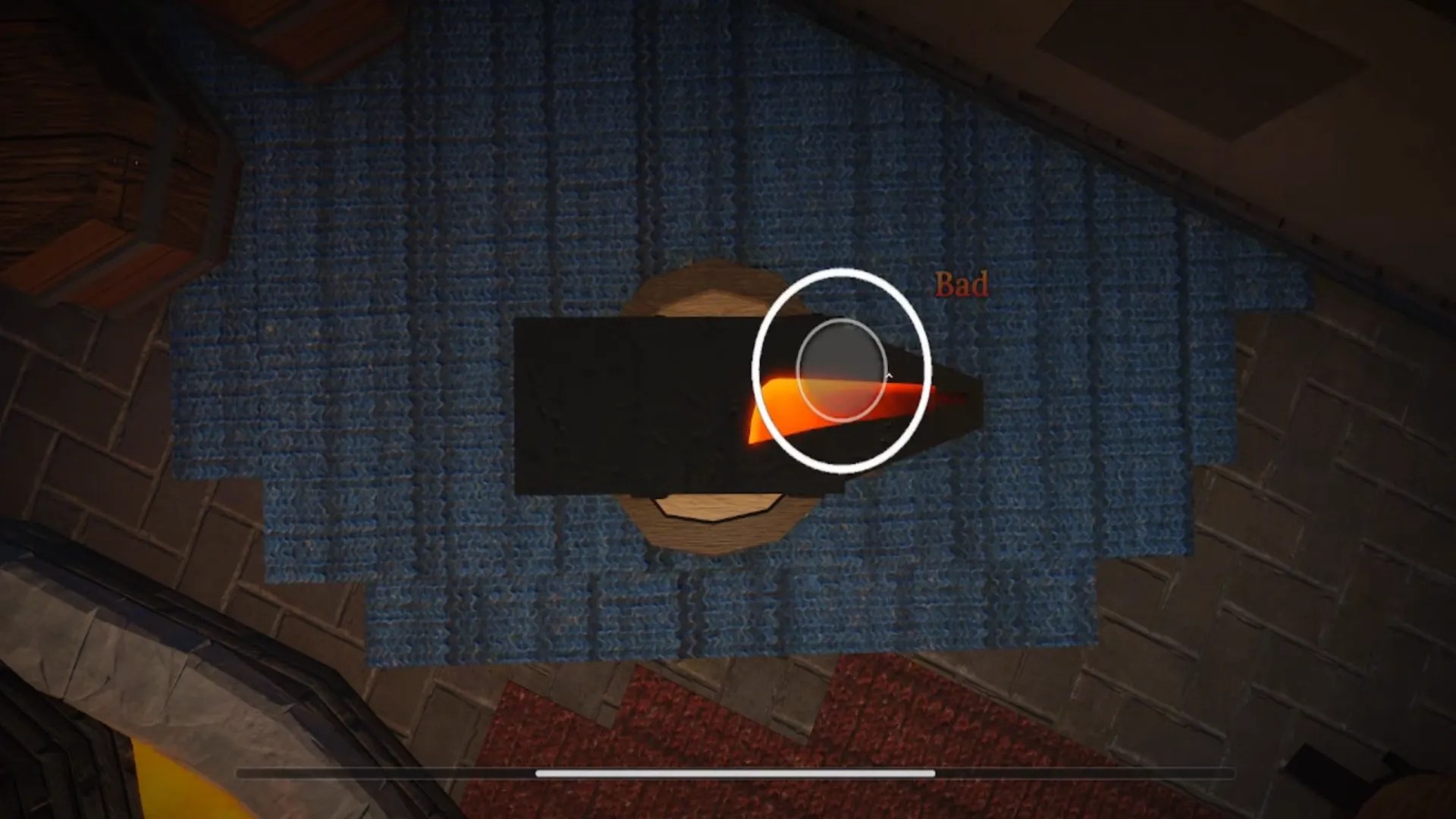
- Wait for the animation to end to quench the item and finish the forging.
How to Upgrade Your Gear in The Forge
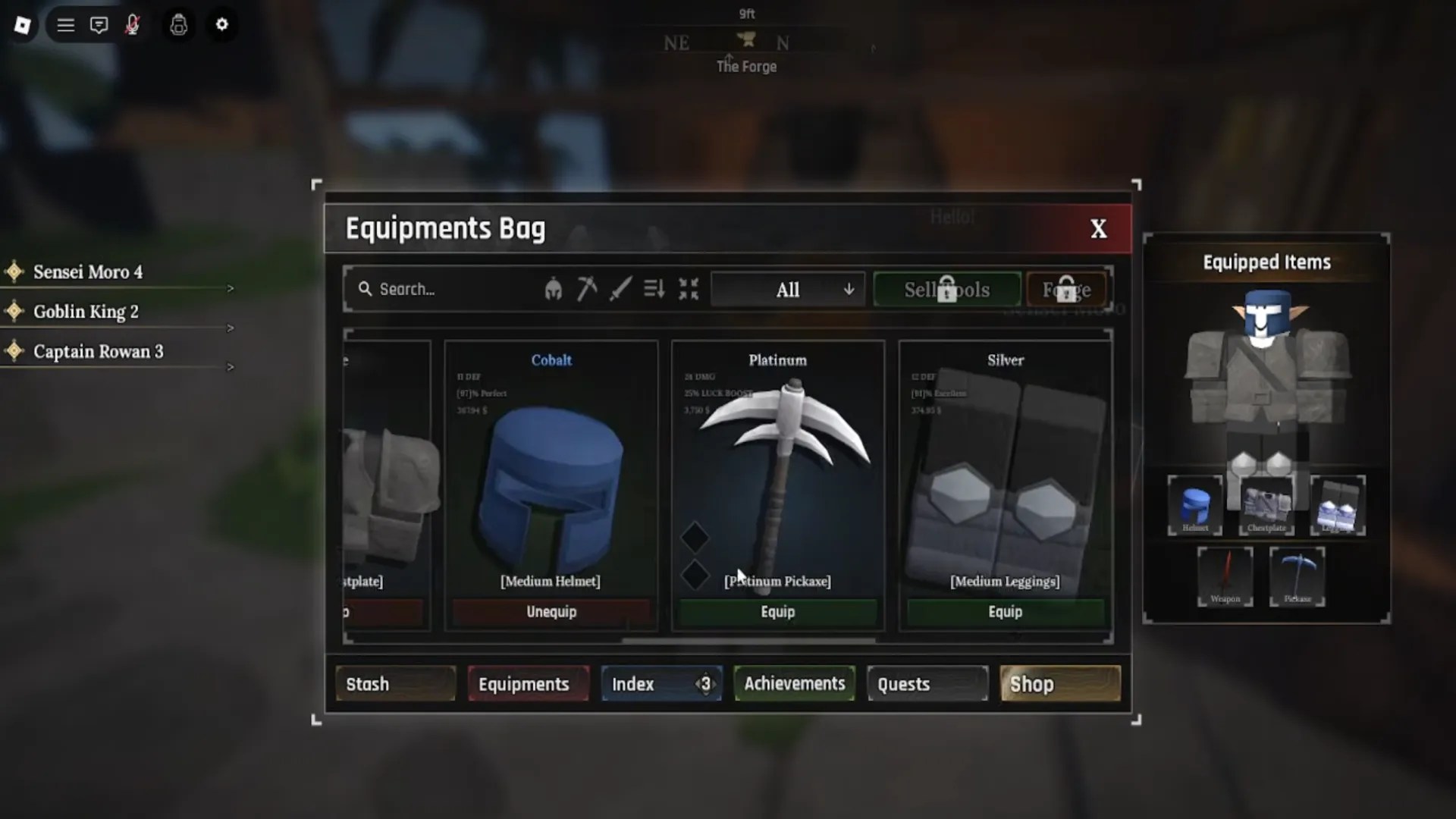
Upgrading your gear is an essential step to progression, as base items often don’t have the stats to be used indefinitely. Here is how you can upgrade your gear in The Forge, as well as what types of upgrades you can get.
Enhancing
Enhancing is a process where you can use the essences that you obtain from defeating enemies to strengthen your gear and increase its stats. Enhancing also unlocks rune slots for your gear (+1 rune slot every 3 levels).
Runes
Each item can have rune slots, which you can fill up with runes to give them unique passives at the Runemancer NPC. These buffs can add poison, burn, lifesteal, and other cool effects to your gear. You can get runes as drops from enemies, and you can remove runes from old gear to use it in new gear.
Achievements Buffs and How to Get Them
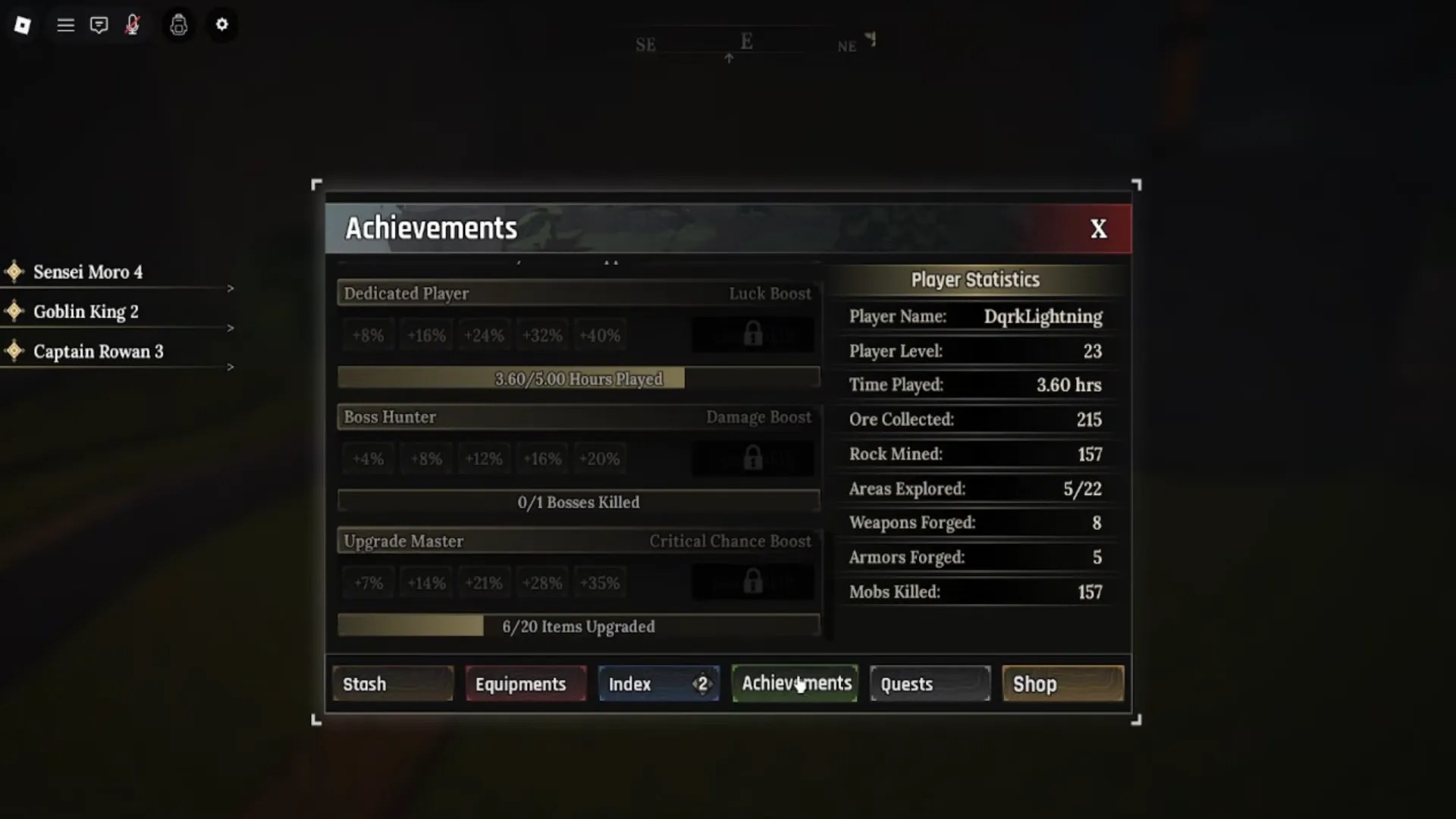
Achievements in The Forge allow you to apply unique buffs to your character as you progress and complete certain milestones. You can track them all in the Achievements tab in your inventory. Once an ability is unlocked, click on Equip Skill next to it to apply the boost. The higher the level of the achievement, the bigger the boost. Only one skill boost can be active at a time.
The Forge FAQ
The best beginner weapon is any heavy weapon you can forge, as their range allows you to easily kite enemies.
What is the best beginner race?
The best beginner races are Goblin and Dwarf, as both give decent stat boosts with minimal debuffs.
Where to get quests?
Talk with every NPC you encounter to get new quests. These quests will give you extra EXP and resources required for progression.
That does it for our The Forge Roblox beginner’s guide. To learn more about the game, check out our list of The Forge codes, The Forge races tier list, and our The Forge money-making guide. Also, be sure to bookmark this post, as we’ll keep updating it with new information as the game gets new content!




Published: Nov 30, 2025 05:07 am