



Given the roguelike nature of Star Wars: Galactic Racer, there’s a lot at stake even in ordinary races. You need to be careful in choosing whether to speed up, go slow, or how you approach your turns. One wrong move and you’re diving straight into a wall, and that might just be the end of your run. This caveat makes turns extremely dangerous in the racing roguelike, as they can easily get you out of the running if you don’t know what you’re doing. Thankfully, cornering in Galactic Racer is something that can be perfected with practice. And if you know how to approach your corners, tracks can become easier to conquer.
Get your ideal controls
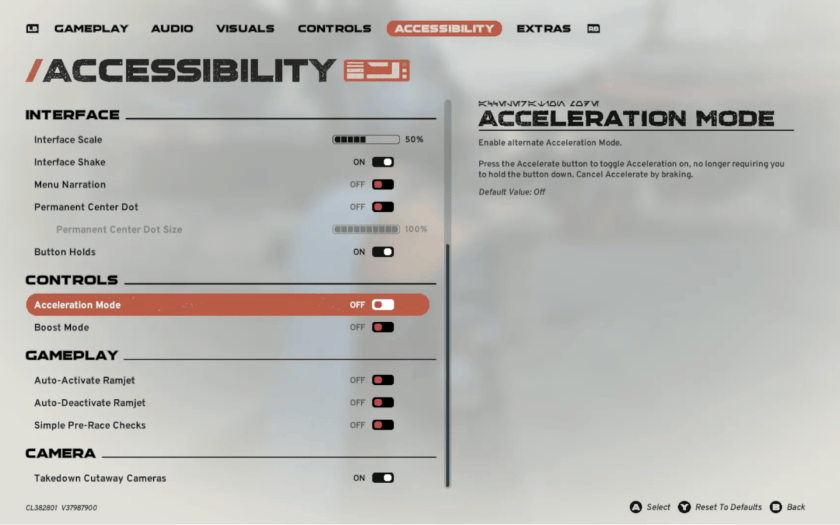
When you buy a car in real life, one of the first decisions to make is either manual or automatic transmission – and this is usually based on your preference, right? You can apply the same principle to your Galactic Racer vehicle. Go to controls and change whichever setting can make it easier for you to control your vehicle, especially as it maintains speed.
If you’re still getting your way around the controls, turn on Auto-Deactivate Ramjet so it auto-disengages when reaching critical levels. You can also toggle Boost Mode on so you don’t have to hold down either the Afterburner or the Ramjet when you make turns. Lastly, you can turn on Acceleration Mode so you don’t have to press the accelerator all the time.
Get the rhythm with the Afterburner and Ramjet
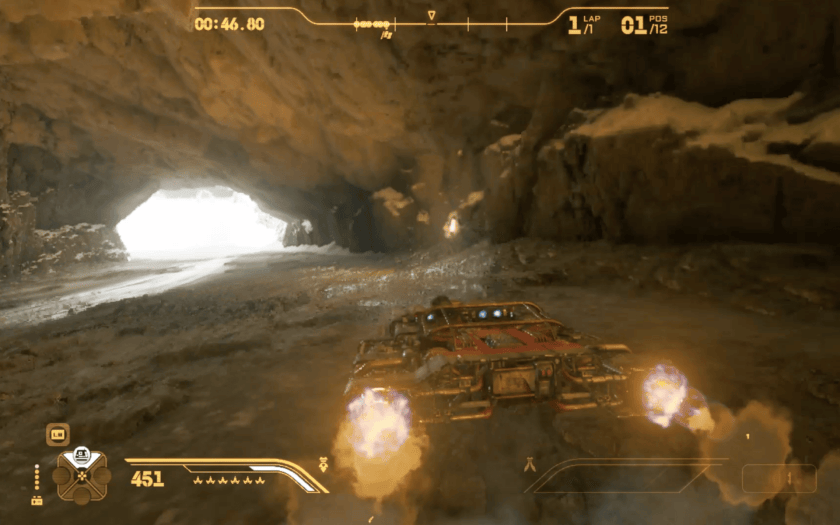
When you make turns in Galactic Racer, you don’t necessarily have to slow down. In fact, you can use the Afterburner and Ramjet to your advantage and maintain your speed while you turn. Ideally, you use the Ramjet and disengage just before you make the turn as it expands your turning radius and locks your steering. After you disengage, you activate the Afterburner as its “weaker” boost is more predictable without losing your handling.
The stronger the Afterburner, the faster your Ramjet recovers. By the time you finish your turn, you’d have likely cooled down a good portion of your Ramjet so that it’s usable as soon as you’re ready or a few seconds after. And by the time the Ramjet ends, the track would already be prepping you for a new curve.
Focus on the far away
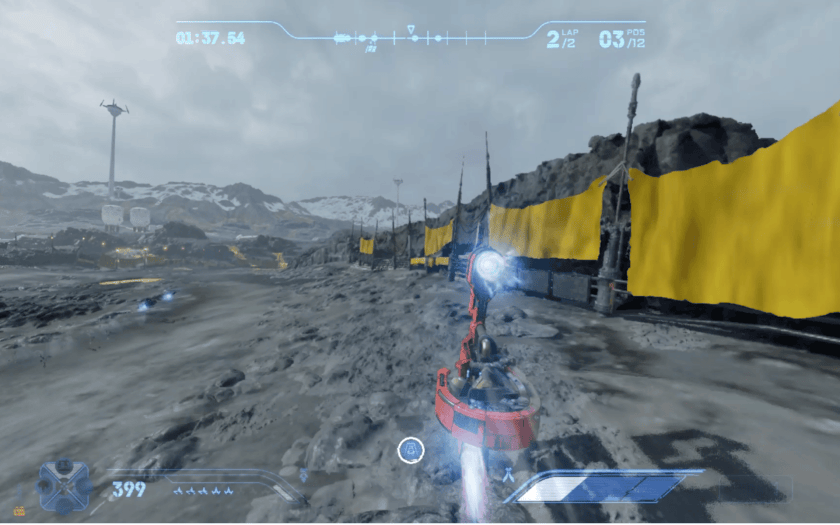
Some players prefer the driver and even the bumper view beyond just the thrill. Sometimes, it’s all about perspective. In Galactic Racer gameplay, there aren’t any big visual arrows that tell you where to go. Instead, you have to look at illuminated markers blended onto walls or visual cues that “generally” tell you where corners are. If you’re not paying attention, you’ll be forced to turn too late and get into a messy crash.
Always find a way to look at the horizon and focus further down the track. This seems like basic advice, but with the regular view your eyes often get tricked into focusing on what’s just in front of your ride. Instead, always look at what’s at the very end of the track. This helps you anticipate just how severe upcoming turns are, and you can boost into a better timed drift.
Make use of the racing line
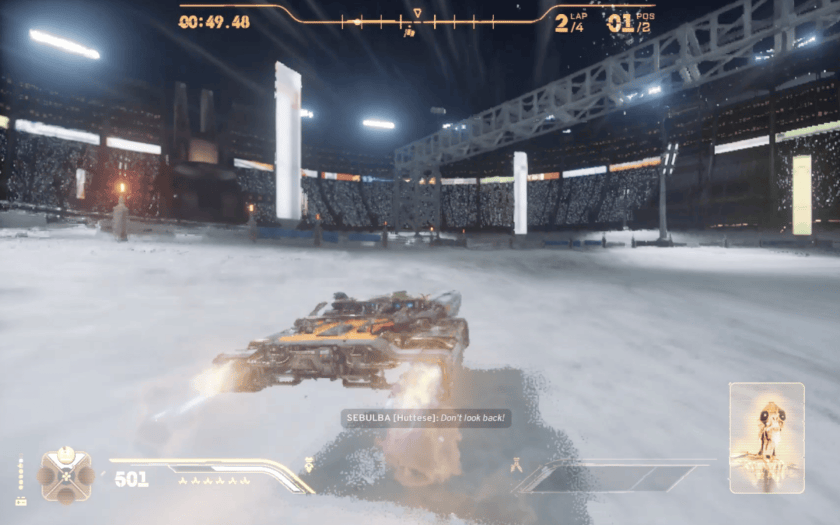
Since Galactic Racer is still a racing game (even if it’s in a Galaxy Far, Far Away), it does still follow basic race mechanics – specifically the racing line. The racing line just describes the most optimal path of a racing track, and when it comes to corners it’s all about outside-inside-outside.
When you see a turn on the horizon, immediately sweep to the widest outside edge of the track. This “flattens” your turn curve and therefore preserves your speed as much as possible. You don’t have to compensate with heavy steering since you don’t have to turn as much just to face the exit. When your nose faces the exit, boost to the center, and again go for the widest part of the track in the next turn.
Feather the brakes
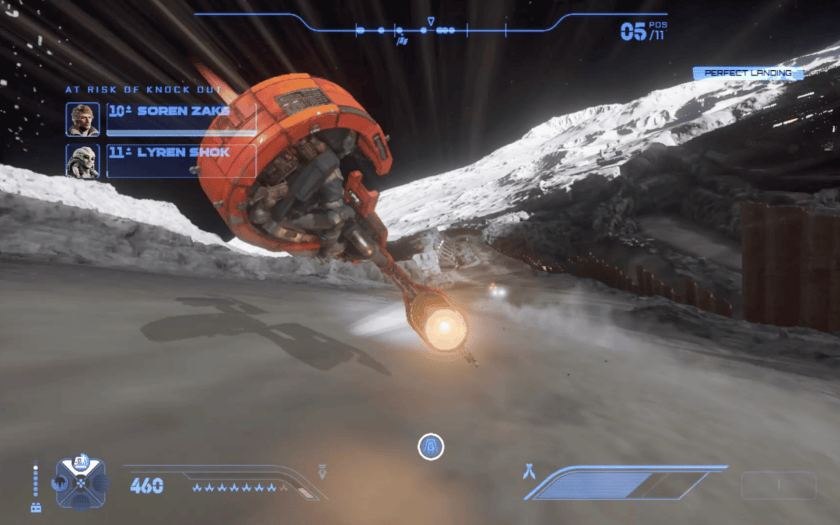
If you’ve noticed by now, your vehicle maneuvers – Drift, Kinetic Burst, or Knife Edge – can help you deal with pesky corners. But did you know you can actually use them alongside your brakes as well? Granted, holding the brake while doing this does slow you down to such an extent that your rivals can easily get ahead.
But the trick here is to feather the brakes. Just tap the brake ever so slightly so you can “shape” the way your vehicle arcs into a curve. If it’s trickier than usual, that’s where the maneuvers come in. Doing so can force your ride to rotate through drifting and adjust your exit strategy without risking a Crash.
Adjust your turns in mid-air
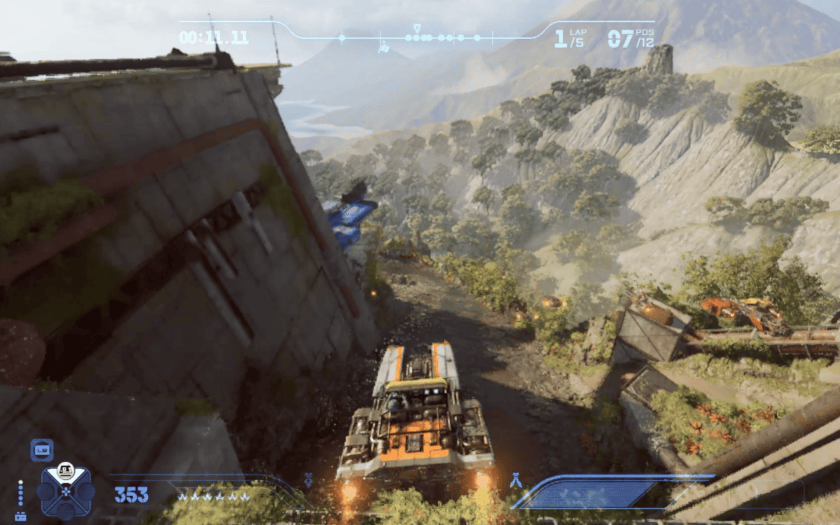
Some Galactic Racer Tour Events have tracks where you get launched high up in the air so you get some view of what’s about to happen for the rest of the track, and it’s just so awesome scoring that Perfect Landing. But did you know you can also turn your vehicle in mid-air?
Just in case you haven’t tried it, you can actually turn your vehicle in different directions. More important, pitching the vehicle nose downward will send you back to the track much faster. And then tilting mid-air can help you align your vehicle with upcoming turns.
Frequently Asked Questions about Cornering in Galactic Racer
Do all wrong turns cause Crashes?
Not necessarily, and not unless you hit the walls straight on. If you use the brakes and your maneuver correctly, you can “hug” the wall and avoid a Crash. Shield can also help with this.
Is it possible to turn with the Afterburner or Ramjet active?
Yes, and this is actually where maneuvers come in. When done properly, you can Drift, Kinetic Burst, or Knife Edge your way through corners even when Ramjetting.




Published: Oct 23, 2026 04:38 pm