


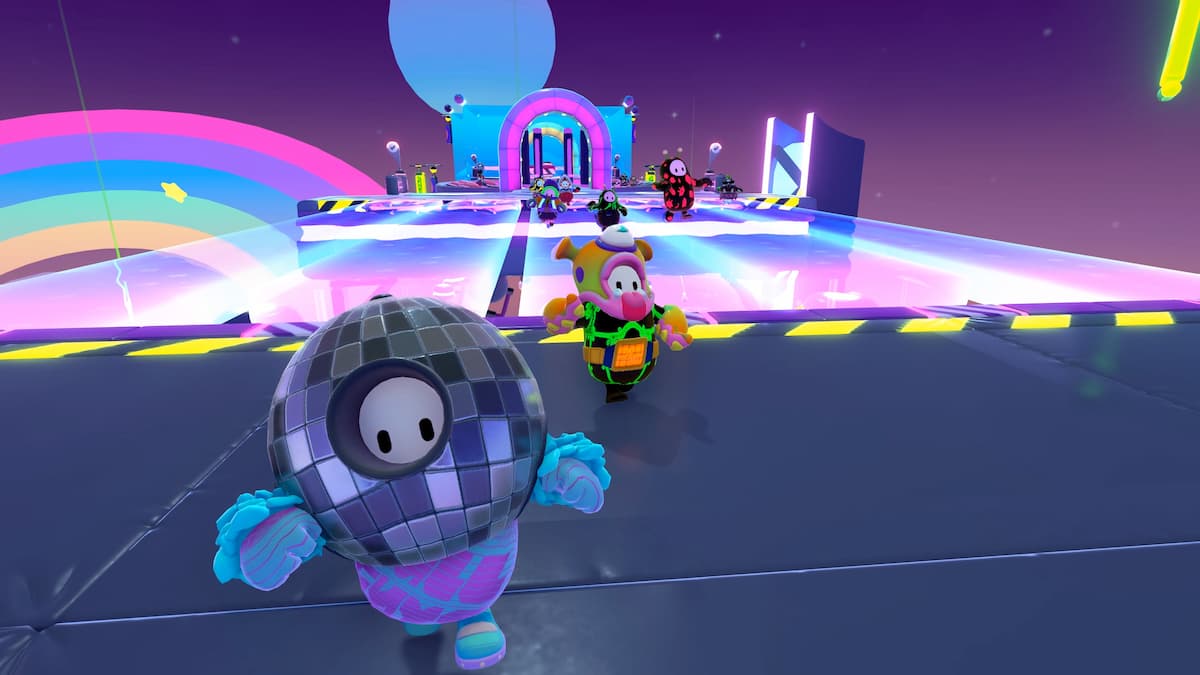

With Fall Guys: Ultimate Knockout now entirely free to play on a swath of platforms, many players will be experiencing the zany platformer for the first. However, high player volume can potentially lead to a number of problems for its servers. One issue has already made itself apparent with it stopping users from entering games with the following message: “There was a problem finding a match. Please check the settings and try again.” Here’s exactly what this error means and how to solve it.
How to fix “there was a problem finding a match” error in Fall Guys
From what we’ve seen of the message in the past, this error typically appears when Fall Guys is dealing with worldwide server outages. The problem may be out of your control, but there are numerous ways to confirm this is the case. The first step you should take is to head to Epic Games’ server status webpage. It’s here you can see which features in Fall Guys are currently operational and which are experiencing issues.
If the site does not indicate any problems, it is also worth checking and following Fall Guys’ official Twitter account. Not only does the account provide some subtle humor when the game falls on hard times, but it often updates fans on any ongoing server issues the moment they are discovered.
Related: How to play Fall Guys on the Epic Games Store
The error message may also pop up when players have a weak internet connection. In this situation, it is best to restart both your router and console to ensure your Wi-Fi is restored to good health. Additionally, Epic Games’ site provides a support page where players can submit requests and speak to representatives for a possible solution to get them back online soon.





Published: Jun 29, 2022 04:24 pm